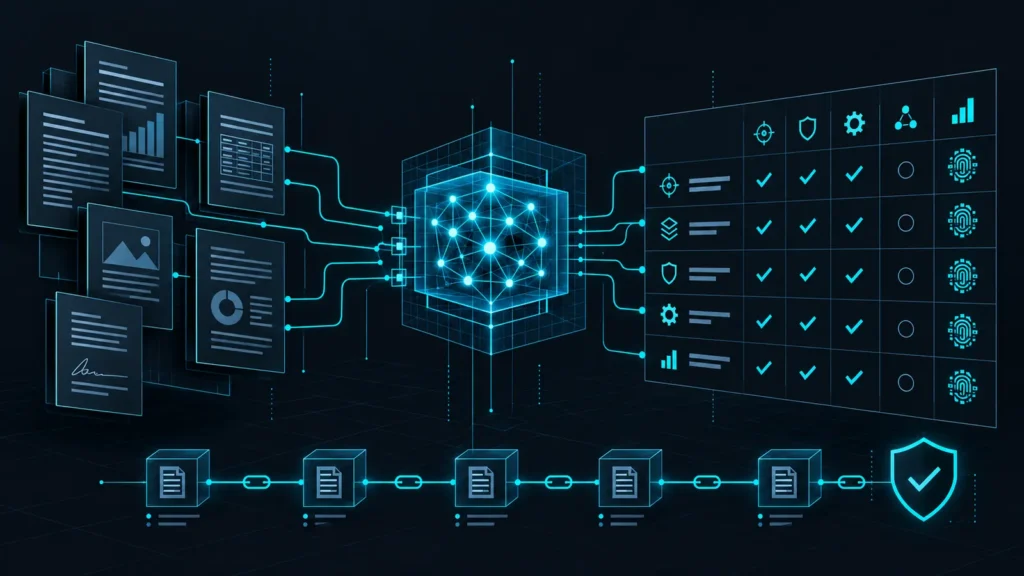
AWS added the Cyber Risk Institute Profile v2.2 to Security Hub CSPM on October 15, 2026. The new standard gives financial institutions and their service providers 404 automated controls that map a portion of the CRI Profile to AWS resource checks. That is useful coverage, but it is not a compliance certificate. The practical job is to introduce the standard without flooding operations, losing account coverage, or confusing automated evidence with the manual work the framework still requires.
This guide explains what changed, how to roll it out across accounts and Regions, how to triage the first findings, and how to preserve evidence that an auditor can understand. It also includes a safe offline lab that turns synthetic Security Hub findings into a prioritized remediation queue.
What AWS released
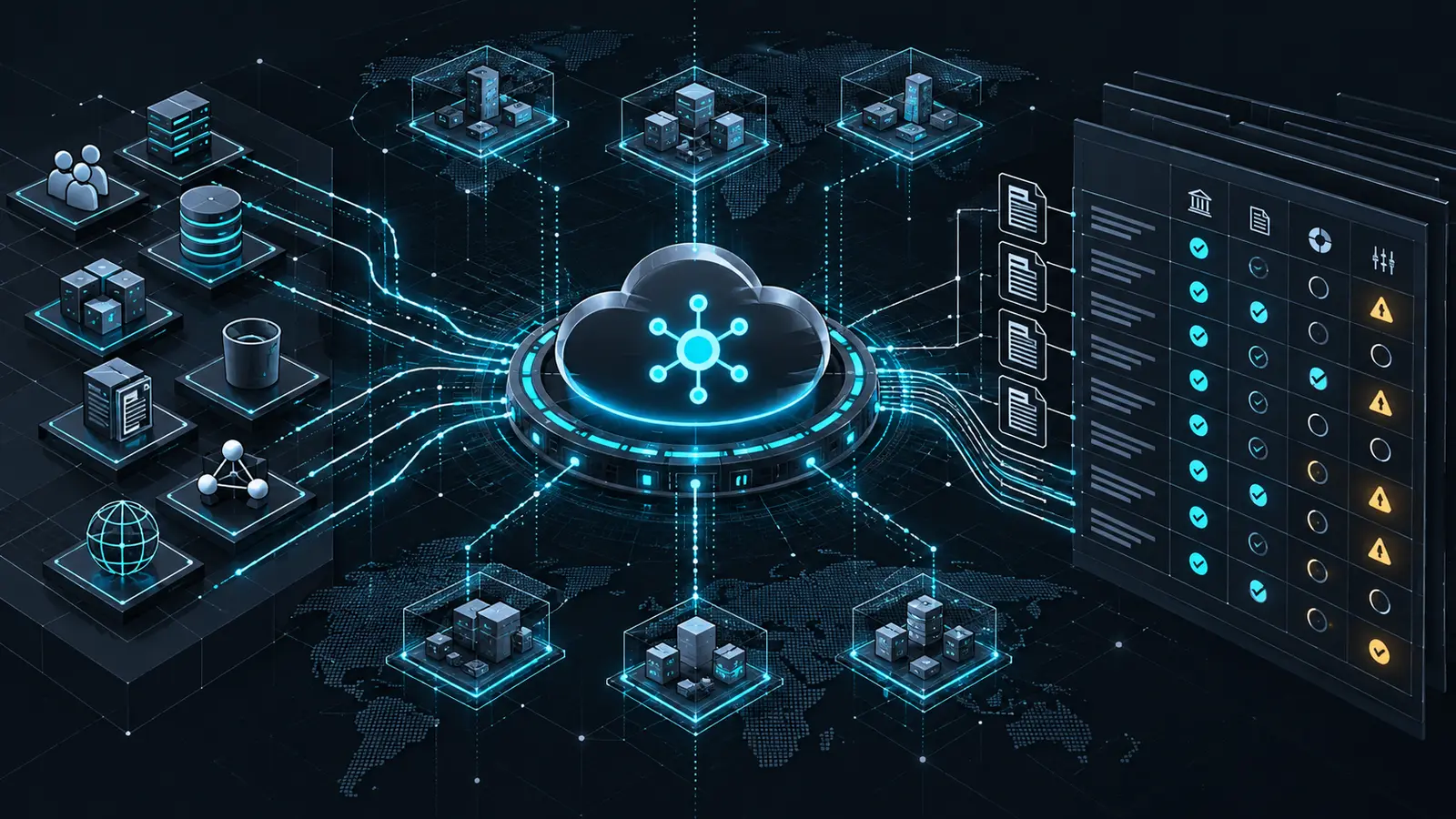
The AWS launch announcement says the standard is available in every Region where Security Hub CSPM is available, including AWS GovCloud (US) and China Regions. AWS recommends central configuration for organization-wide deployment because it can apply a configuration policy to selected accounts or organizational units across the home Region and linked Regions.
The Security Hub control reference is explicit about the boundary: the checks support only a subset of CRI Profile v2.2 requirements. Requirements that depend on interviews, policies, governance decisions, process evidence, or other manual checks remain outside the service. Passing every automated check therefore does not establish or certify compliance.
Why CRI Profile v2.2 matters to cloud teams
The CRI Profile is based on the NIST Cybersecurity Framework and is tailored to financial services. CRI released version 2.2 on April 30, 2026. It added 13 new mappings and updated three mappings, bringing the total to 40, while leaving the core Diagnostic Statements unchanged. Existing control implementations do not need to be rebuilt simply because the mapping catalog changed.
Security Hub now connects many familiar AWS checks to that framework language. Examples include multi-Region CloudTrail, restricted security groups, KMS key rotation, encrypted backup recovery points, IAM policy scope, certificate hygiene, logging, and public-access controls. The value is not a new scanner. It is a common evidence layer that lets engineering, risk, and audit teams discuss the same technical condition through both an AWS control ID and a CRI requirement.
For background on the underlying services, see our AWS security best-practices guide. Teams that are also formalizing assessment evidence can use our security framework comparison.
Plan the rollout before enabling 404 controls
1. Define the deployment boundary
List the accounts, organizational units, and Regions that host in-scope financial services workloads. Include shared services, logging, identity, security tooling, backup, and disaster-recovery accounts. An application account can look compliant while its evidence pipeline is weak because the organization trail, central log archive, or delegated administrator sits elsewhere.
- Choose one Security Hub delegated administrator and confirm the home Region.
- Record every linked Region and every opt-in Region that is actually enabled.
- Separate centrally managed accounts from accounts intentionally left self-managed.
- Define exclusions in writing, with an owner, reason, compensating control, and review date.
2. Discover the standard instead of hard-coding an ARN
Standard ARNs are Region-specific. Discover the ARN in the target Region, review it, and only then enable it. The following commands are examples for an authenticated administrative shell; they were not executed for this article.
REGION=us-east-1

aws securityhub describe-standards \
  --region "$REGION" \
  --query "Standards[?contains(Name, 'CRI Profile')].[Name,StandardsArn]" \
  --output table

CRI_ARN=$(aws securityhub describe-standards \
  --region "$REGION" \
  --query "Standards[?contains(Name, 'CRI Profile')].StandardsArn | [0]" \
  --output text)

test -n "$CRI_ARN" && test "$CRI_ARN" != "None"
3. Pilot one representative organizational unit
Start with an OU that includes production-like networking, identity, logging, data, and backup patterns but has an accountable engineering owner. Capture the current Security Hub configuration and existing enabled standards before the change. If several standards are already active, enable consolidated control findings so one shared control check does not create a separate finding for every applicable standard.
For a single self-managed account and Region, the enablement command is straightforward after the ARN has been reviewed:
aws securityhub batch-enable-standards \
  --region "$REGION" \
  --standards-subscription-requests StandardsArn="$CRI_ARN"
For an organization, prefer a central configuration policy associated with the pilot OU. AWS documents that central configuration applies settings from the home Region to linked Regions. Self-managed accounts must be handled separately in each Region, so do not mistake a successful home-Region change for complete coverage.
Interpret the first findings correctly
A large initial queue is a baseline, not evidence of a sudden incident. Prioritize by control severity, asset criticality, exposure, account purpose, and the reliability of the underlying check. A failed logging or public-access control on a critical production resource generally deserves faster review than a low-severity tagging control, but local context still decides the order.
- FAILED: Confirm the resource still exists, identify the owner, validate the condition, and create a remediation or accepted-risk record.
- WARNING: Check whether AWS Config is recording the resource type and whether the control has enough data to evaluate it.
- NOT_AVAILABLE: Investigate disabled recording, unsupported Regions, missing permissions, or a control that has not completed its first evaluation.
- PASSED: Preserve the result and its timestamp, but do not convert it into a broader claim about organizational compliance.
Security Hub updates an existing control finding when a resource changes from failed to passed or passed to failed. Useful evidence fields include Compliance.Status, ProductFields.PreviousComplianceStatus, FirstObservedAt, LastObservedAt, UpdatedAt, and Workflow.Status. Preserve these transitions so a reviewer can see both the defect and the verified recovery.
Hands-on lab: triage an offline findings export
This lab is intentionally isolated. It uses synthetic ASFF-like findings, needs only Python 3, and makes no AWS API calls. The control IDs are representative of controls documented by AWS as related to CRI Profile v2.2. Use the same workflow on a sanitized export only after your organization approves how cloud evidence may be handled.
Prerequisites and files
- Python 3.9 or later
audit_findings.pyandsample-findings.jsonin an empty lab directory- No AWS credentials and no network access
Create audit_findings.py with the following tested script:
#!/usr/bin/env python3
import argparse
import json
from collections import Counter
from pathlib import Path

ORDER = {"CRITICAL": 5, "HIGH": 4, "MEDIUM": 3, "LOW": 2,
         "INFORMATIONAL": 1, "UNKNOWN": 0}

def control_id(finding):
    compliance = finding.get("Compliance", {})
    if compliance.get("SecurityControlId"):
        return compliance["SecurityControlId"]
    product = finding.get("ProductFields", {})
    if product.get("ControlId"):
        return product["ControlId"].split("/")[-1]
    arn = product.get("StandardsControlArn", "")
    return arn.rsplit("/", 1)[-1] if arn else "UNKNOWN"

parser = argparse.ArgumentParser()
parser.add_argument("findings", type=Path)
parser.add_argument("--fail-on", choices=("critical", "high", "medium", "any"))
args = parser.parse_args()

payload = json.loads(args.findings.read_text(encoding="utf-8"))
findings = payload.get("Findings", payload if isinstance(payload, list) else [])
active = [f for f in findings if f.get("RecordState", "ACTIVE") == "ACTIVE"]
counts = Counter(f.get("Compliance", {}).get("Status", "UNKNOWN") for f in active)
failed = [f for f in active if f.get("Compliance", {}).get("Status") == "FAILED"]
failed.sort(key=lambda f: (-ORDER.get(f.get("Severity", {}).get("Label", "UNKNOWN"), 0),
                           control_id(f)))

print(f"ACTIVE_FINDINGS={len(active)}")
for state in ("FAILED", "WARNING", "NOT_AVAILABLE", "PASSED"):
    print(f"{state}={counts[state]}")
print("PRIORITY_QUEUE")
for f in failed:
    resource = (f.get("Resources") or [{}])[0].get("Id", "unknown-resource")
    print(f"  {f.get('Severity', {}).get('Label', 'UNKNOWN'):8} "
          f"{control_id(f):14} {f.get('AwsAccountId', 'unknown')} "
          f"{f.get('Region', 'global'):12} {resource}")

if args.fail_on:
    threshold = {"critical": 5, "high": 4, "medium": 3, "any": 1}[args.fail_on]
    if any(ORDER.get(f.get("Severity", {}).get("Label", "UNKNOWN"), 0) >= threshold
           for f in failed):
        raise SystemExit(2)
Create sample-findings.json. This compact fixture contains the six synthetic states used in the expected output:
{
  "Findings": [
    {"AwsAccountId":"111122223333","Region":"us-east-1","RecordState":"ACTIVE",
     "Compliance":{"Status":"FAILED","SecurityControlId":"CloudTrail.1"},
     "Severity":{"Label":"HIGH"},
     "Resources":[{"Id":"arn:aws:cloudtrail:us-east-1:111122223333:trail/prod"}]},
    {"AwsAccountId":"111122223333","Region":"us-east-1","RecordState":"ACTIVE",
     "Compliance":{"Status":"PASSED","SecurityControlId":"EC2.19"},
     "Severity":{"Label":"CRITICAL"},
     "Resources":[{"Id":"arn:aws:ec2:us-east-1:111122223333:security-group/sg-example"}]},
    {"AwsAccountId":"444455556666","Region":"eu-west-1","RecordState":"ACTIVE",
     "Compliance":{"Status":"WARNING","SecurityControlId":"IAM.21"},
     "Severity":{"Label":"LOW"},"Resources":[{"Id":"AWS::::Account:444455556666"}]},
    {"AwsAccountId":"444455556666","Region":"eu-west-1","RecordState":"ACTIVE",
     "Compliance":{"Status":"FAILED","SecurityControlId":"KMS.4"},
     "Severity":{"Label":"MEDIUM"},
     "Resources":[{"Id":"arn:aws:kms:eu-west-1:444455556666:key/example"}]},
    {"AwsAccountId":"777788889999","Region":"eu-central-1","RecordState":"ACTIVE",
     "Compliance":{"Status":"PASSED","SecurityControlId":"Backup.1"},
     "Severity":{"Label":"MEDIUM"},
     "Resources":[{"Id":"arn:aws:backup:eu-central-1:777788889999:recovery-point/example"}]},
    {"AwsAccountId":"777788889999","Region":"eu-central-1","RecordState":"ACTIVE",
     "Compliance":{"Status":"NOT_AVAILABLE","SecurityControlId":"Account.1"},
     "Severity":{"Label":"INFORMATIONAL"},
     "Resources":[{"Id":"AWS::::Account:777788889999"}]}
  ]
}
python3 audit_findings.py sample-findings.jsonThe tested fixture contains six active findings: two failed, one warning, one not available, and two passed. The script sorts failed items by AWS severity while retaining account, Region, and resource identity.
ACTIVE_FINDINGS=6
FAILED=2
WARNING=1
NOT_AVAILABLE=1
PASSED=2
PRIORITY_QUEUE
  HIGH     CloudTrail.1   111122223333 us-east-1    arn:aws:cloudtrail:us-east-1:111122223333:trail/prod
  MEDIUM   KMS.4          444455556666 eu-west-1    arn:aws:kms:eu-west-1:444455556666:key/example
Use a CI-style threshold to make the command return exit code 2 when it finds a failed control at or above the selected severity:
python3 audit_findings.py sample-findings.json --fail-on high
echo $?
Expected exit code: 2, because the fixture contains a high-severity failed CloudTrail control. Use this gate for review pipelines, not blind remediation. Severity does not capture business context, and the same Security Hub control can support more than one standard.
Troubleshooting and cleanup
- If every control is reported as
UNKNOWN, confirm that the export containsCompliance.SecurityControlId,ProductFields.ControlId, or a standards control ARN. - If counts are unexpectedly low, confirm that findings are active; the script intentionally ignores archived records.
- If a production export contains sensitive account names, tags, resource identifiers, or descriptions, sanitize it before moving it outside the security account.
- Cleanup is simply deleting the lab directory. The test creates no other files and changes no cloud resources.
Build an evidence package that survives review
A useful evidence package connects four layers: the CRI requirement, the Security Hub control definition, the affected AWS resource, and the ticket or exception that records the decision. Add the configuration-policy version, policy association scope, account and Region inventory, collection timestamp, and a hash of each exported file. Keep automated results separate from manual control evidence such as procedures, approvals, testing records, incident exercises, and third-party oversight.
Track coverage as carefully as failures. A clean dashboard is weak evidence if an account is self-managed by mistake, a Region is not linked, AWS Config is not recording a required resource type, or a control is disabled. The review should answer not only “What failed?” but also “What was evaluated, where, when, and under which configuration?”
Operational checklist
- Inventory in-scope accounts, OUs, Regions, and data classifications.
- Confirm delegated administration, home Region, linked Regions, and AWS Config coverage.
- Discover the CRI standard ARN in each deployment context.
- Enable consolidated control findings when multiple standards overlap.
- Pilot a representative OU and record the before-and-after configuration.
- Triage failed, warning, and not-available states separately.
- Attach resource ownership, remediation tickets, exceptions, and validation evidence.
- Maintain a parallel register for manual CRI requirements.
- Expand by OU only after the pilot queue and evidence flow are sustainable.
Conclusion
AWS Security Hub support for CRI Profile v2.2 can reduce mapping work and make cloud findings easier to use in financial-sector risk reviews. The strongest implementation is controlled and traceable: deploy through central configuration, prove account and Region coverage, interpret findings in business context, and preserve the gap between automated checks and manual assurance. Treat the 404 controls as an evidence source, not the finish line.