
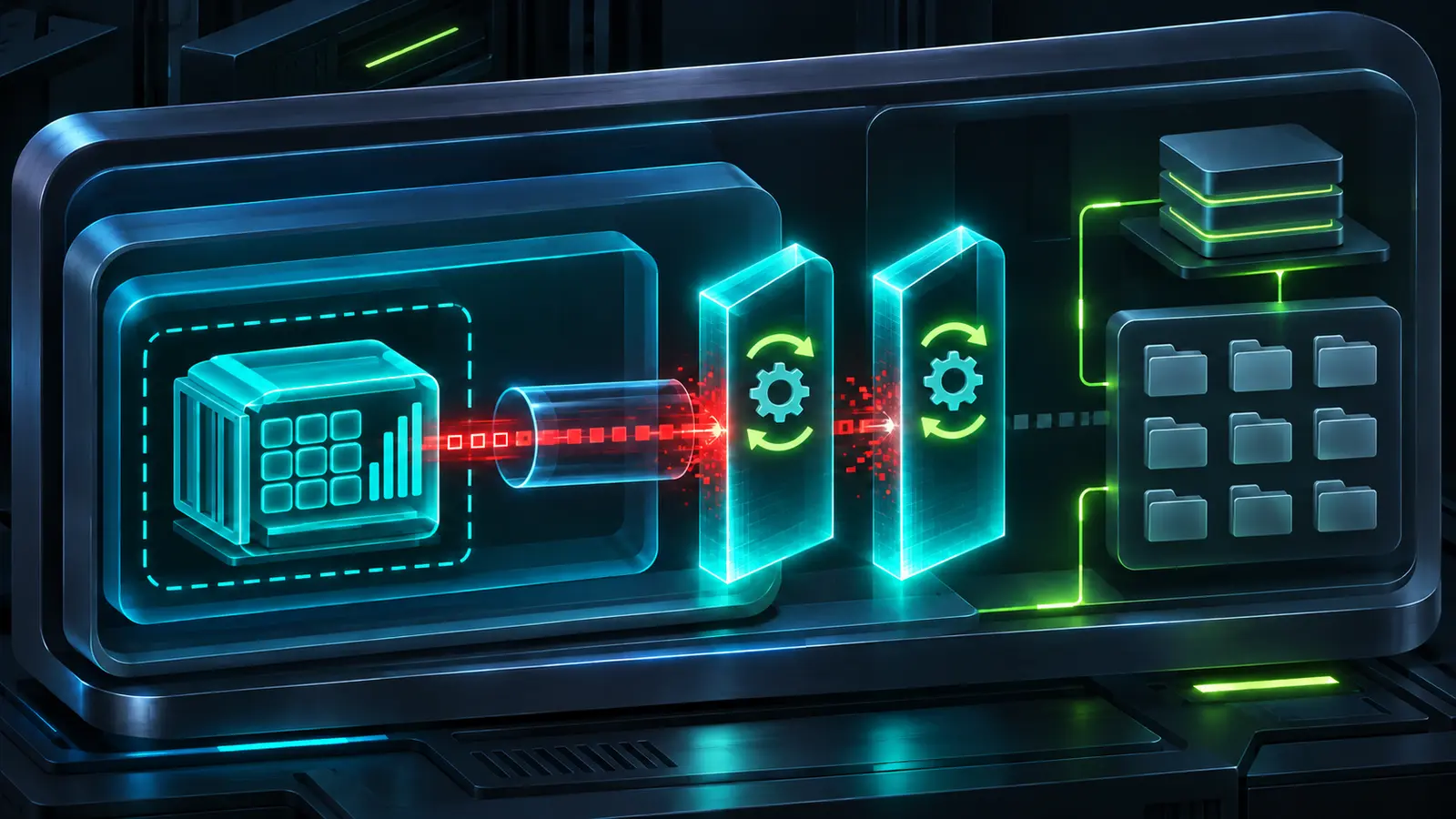
CVE-2026-112917 breaks an important assumption in Docker Desktop for Windows: that an unprivileged Linux container on the WSL 2 backend cannot reach host-facing services through AF_VSOCK. Docker disclosed the issue on November 3, 2026 and fixed it in Docker Desktop 4.98.0, but the desktop update is only half of the remediation. WSL 3.0.3 or later is also required.
That two-component requirement is the operational trap. A fleet can report Docker Desktop 4.98.0 and still remain exposed if Windows Subsystem for Linux was not updated. This guide explains the boundary failure, identifies the affected configuration, and provides a safe inventory lab for prioritizing developer workstations without running exploit code.
What Docker fixed on November 3
Docker Desktop 4.98.0 includes a security fix for CVE-2026-112917. The vendor release notes describe a container on the WSL 2 backend bypassing the AF_VSOCK restriction and explicitly require WSL 3.0.3 or later. The CNA record adds the important technical detail: an unprivileged Linux container can use the 32-bit socketcall path to bypass the default seccomp restriction.
The result is a container-to-host trust-boundary failure. A successful bypass can expose services facing the WSL virtual machine and Windows files available to the signed-in user. The issue applies to x86-64 Docker Desktop for Windows using the WSL 2 backend. The published scope says LinuxKit-based backends are unaffected.
Complete remediation requires both conditions: Docker Desktop 4.98.0 or later and WSL 3.0.3 or later. Updating only one component is not sufficient.
Why the 32-bit socket path matters
Seccomp policies restrict the system calls a Linux process can make. On x86-64 Linux, compatibility paths exist for 32-bit applications. Instead of invoking each socket operation as a separate syscall, 32-bit code can route multiple networking operations through the older socketcall multiplexer. A policy that blocks the expected 64-bit path but does not enforce the same decision on the compatibility path can leave an alternate route to a restricted address family.
AF_VSOCK is designed for communication between a virtual machine and its host. In a desktop container stack, that channel can sit close to services and resources that developers assume are outside an untrusted container. CVE-2026-112917 is therefore not a conventional network bug. The attacker first needs code execution inside a Linux container, but the vulnerable boundary can then expose host-facing resources that the container should not reach.
- Initial position: code running as an unprivileged process inside a Linux container.
- Affected platform: x86-64 Docker Desktop for Windows using the WSL 2 backend.
- Bypass path: the 32-bit
socketcallcompatibility interface reachesAF_VSOCKdespite the default seccomp restriction. - Potential exposure: host-facing services and Windows files accessible to the logged-in user.
- Fixed state: Docker Desktop 4.98.0 or later together with WSL 3.0.3 or later.
Build the right exposure inventory
Do not start with every Docker host. Start with managed Windows endpoints and collect four facts: CPU architecture, Docker Desktop version, active backend and WSL package version. Developer laptops, shared build workstations and privileged engineering jump boxes deserve extra attention because their logged-in users may have source-code access, cloud credentials, package-publishing tokens or administrative tooling.
| Observed state | Assessment | Next action |
|---|---|---|
| x86-64, WSL 2 backend, Docker below 4.98.0 | Affected configuration | Update Docker Desktop and WSL, then restart the stack. |
| x86-64, WSL 2 backend, Docker 4.98.0+, WSL below 3.0.3 | Still affected | Update WSL to 3.0.3 or later. |
| x86-64, WSL 2 backend, both version floors met | Fixed baseline | Record evidence and verify the backend after restart. |
| Windows Arm64 or a documented LinuxKit-based backend | Outside the published scope | Confirm the actual architecture and backend; continue normal patching. |
| Version or backend unknown | Manual review | Do not assume safety from the Windows build alone. |
This boundary issue complements our earlier analysis of the Wasmtime Arm64 sandbox escape: architecture is part of the vulnerability model, not just an inventory field. For broader Windows fleet evidence and controlled deployment practices, use the workflow in Patch and Verify Windows Server Fleets.
Audit a Windows endpoint safely
Run the following commands from PowerShell or Windows Terminal as the signed-in user. They only report local product state. They do not start a container, access the virtual-socket channel or attempt the bypass.
docker desktop version --short
wsl --version
wsl --status
wsl --list --verbose
[System.Runtime.InteropServices.RuntimeInformation]::OSArchitecture
If docker desktop version is unavailable on an older installation, capture the version from Docker Desktop’s About page or your software inventory platform. If wsl --version returns no component version, Microsoft says the endpoint is likely using the older inbox WSL and must be updated to a modern serviced package.
Confirm the backend
Docker documents the WSL 2 engine under Settings, General, Use WSL 2 based engine. Managed settings may hide or lock the control, so endpoint-management configuration should be treated as authoritative. Do not infer the backend solely from the presence of an Ubuntu or Debian WSL distribution.
Remediation sequence
1. Contain risky workloads
Until both components are updated, stop running untrusted or externally supplied images on affected developer endpoints. Pause automated jobs that execute pull-request images, customer-supplied build containers or unsigned development environments on Windows WSL 2 runners. Stopping Docker Desktop removes the immediate execution surface while change control is prepared.
2. Update WSL
Microsoft documents wsl --update as the standard update command. Organizations without Microsoft Store access can use the approved offline or web-download mechanism defined by their endpoint-management policy.
wsl --update
wsl --version
Do not stop after the command reports success. Confirm that the reported WSL package version is 3.0.3 or later. The Microsoft WSL 3.0.3 release also updates the bundled WSL kernel to 6.18.54.1, but the product version requirement in Docker’s advisory is the decisive check for this CVE.
3. Update Docker Desktop
Deploy Docker Desktop 4.98.0 or later through your managed software channel. Docker notes that releases can roll out gradually, so enterprises should not rely only on the in-app prompt appearing immediately. Validate installer provenance and checksums through the normal software-packaging process.
4. Restart the virtualization stack
After both updates, close Docker Desktop, terminate running WSL distributions, and start Docker Desktop again. Warn users that wsl --shutdown stops every WSL distribution for that user and interrupts open shells and services.
wsl --shutdown
# Start Docker Desktop through the managed application launcher.
docker desktop version --short
wsl --version
wsl --status
5. Reduce residual workstation risk
- Remove unnecessary bind mounts into Windows user profiles and sensitive repositories.
- Do not place long-lived cloud credentials or signing keys in directories mounted into containers.
- Use short-lived credentials and separate low-trust build jobs from privileged developer sessions.
- Require approved images and verify signatures or provenance where the build system supports them.
- Review whether the endpoint needs Docker Desktop at all; remove unused developer tooling from administrative workstations.
Safe lab: classify a synthetic Docker Desktop fleet
This lab is intentionally non-exploitative. It reads a synthetic CSV file and applies the published version and platform rules. Run it in an isolated working directory with Python 3.10 or later. It does not contact Windows endpoints, start containers or probe AF_VSOCK.
Create the sample inventory
mkdir cve-2026-112917-lab
cd cve-2026-112917-lab
cat > endpoints.csv <<'CSV'
host,arch,backend,docker_desktop,wsl
dev-01,x86_64,wsl2,4.97.0,3.0.3
dev-02,x86_64,wsl2,4.98.0,2.9.11
dev-03,x86_64,wsl2,4.98.0,3.0.3
dev-04,arm64,wsl2,4.97.0,3.0.2
dev-05,x86_64,unknown,4.98.0,3.0.3
CSV
Run the classifier
from csv import DictReader

def version(value):
    return tuple(int(part) for part in value.split("."))

with open("endpoints.csv", newline="", encoding="utf-8") as handle:
    for row in DictReader(handle):
        if row["arch"] != "x86_64":
            status = "OUT_OF_SCOPE"
            action = "Confirm architecture and continue normal updates"
        elif row["backend"] != "wsl2":
            status = "REVIEW"
            action = "Confirm the actual Docker Desktop backend"
        elif version(row["docker_desktop"]) < version("4.98.0"):
            status = "URGENT"
            action = "Update Docker Desktop and verify WSL"
        elif version(row["wsl"]) < version("3.0.3"):
            status = "URGENT"
            action = "Update WSL; Docker update alone is incomplete"
        else:
            status = "FIXED_BASELINE"
            action = "Restart, verify backend, and retain evidence"
        print(f'{row["host"]:8} {status:15} {action}')
Save the program as classify.py, then run python classify.py. Expected output:
dev-01   URGENT          Update Docker Desktop and verify WSL
dev-02   URGENT          Update WSL; Docker update alone is incomplete
dev-03   FIXED_BASELINE  Restart, verify backend, and retain evidence
dev-04   OUT_OF_SCOPE    Confirm architecture and continue normal updates
dev-05   REVIEW          Confirm the actual Docker Desktop backend
Troubleshooting and cleanup
- If a version contains a suffix, normalize it in your asset export before using this simple tuple parser.
- If the backend is blank, classify it as
unknownrather than assuming WSL 2. - If inventory comes from multiple tools, deduplicate by stable device ID before counting affected endpoints.
cd ..
rm -r cve-2026-112917-lab
Detection and investigation priorities
Public documentation establishes the isolation bypass, but it does not provide a universal indicator of exploitation. Treat suspicious container execution as the starting point. Review Docker Desktop activity, endpoint process telemetry, image provenance, bind mounts and access to Windows files during the exposure window. Focus on containers sourced from untrusted pull requests, public registries without approval controls, or third-party development environments.
- Identify unexpected 32-bit binaries or compatibility-mode processes inside containers that handled sensitive source code.
- Review whether suspicious containers had mounts under
/mnt/cor other Windows-backed paths. - Correlate container start times with access to credential stores, source repositories and host-local developer services.
- Preserve Docker Desktop diagnostics and endpoint telemetry before destructive cleanup when compromise is suspected.
- Rotate credentials only after containment, especially if secrets were available to the logged-in user or mounted workspace.
Absence of an alert does not prove the boundary was not crossed. Version evidence, backend evidence and workload history are the minimum records for closing the remediation ticket.
Conclusion
CVE-2026-112917 is a useful reminder that desktop container isolation depends on more than the Docker Desktop application. The vulnerable path spans the container’s seccomp policy, a 32-bit compatibility syscall, WSL’s virtual-socket boundary and Windows user resources. Patch Docker Desktop and WSL together, restart the stack, verify the backend, and retain evidence from both products.
Until that combined state is confirmed, keep untrusted containers off affected Windows WSL 2 endpoints. The fastest reliable response is a precise inventory, not a broad assumption that an application upgrade completed the job.