JAVA RUNTIME SECURITY / PATCH OPERATIONS
Amazon released its October 2026 quarterly security and critical updates for Corretto on October 22. The current builds cover Java 8, 11, 17, 21, 25, and 27, giving platform teams a clear patch baseline but also a familiar operational challenge: finding every runtime that actually executes production code.
Operational priority: inventory first, patch supported branches, rebuild immutable images, restart workloads, and verify the runtime selected by each service rather than trusting the package database alone.
What changed in the October Corretto update
AWS describes the release as a set of quarterly security and critical updates for its supported OpenJDK distributions. The announcement lists the following current Corretto builds. These are useful minimum comparison points for an inventory, but a version string is only one part of the decision. Distribution maintainers can backport fixes, and an application may launch a bundled runtime even when the host default is current.
| Java branch | October Corretto build | Fleet action |
|---|---|---|
| 27 | 27.0.1.0.10 | Patch feature-release workloads |
| 25 | 25.0.5.0.9 | Patch supported workloads |
| 21 LTS | 21.0.13.0.10 | Prioritize production services |
| 17 LTS | 17.0.21.0.10 | Prioritize production services |
| 11 LTS | 11.0.33.0.9 | Patch and review modernization plans |
| 8 LTS | 8u512 | Patch and review legacy dependencies |
The timing is significant. Oracle’s October 2026 Critical Patch Update reports 55 new security patches for Oracle Java SE, 49 of which may be remotely exploitable without authentication. That Oracle count is not a claim that every issue affects every Corretto deployment. It does establish why Java runtime patching should be treated as a coordinated security operation, not routine package hygiene. Exposure depends on the affected component, Java branch, application behavior, deployment model, and compensating controls.
Why Java fleet patching fails in practice
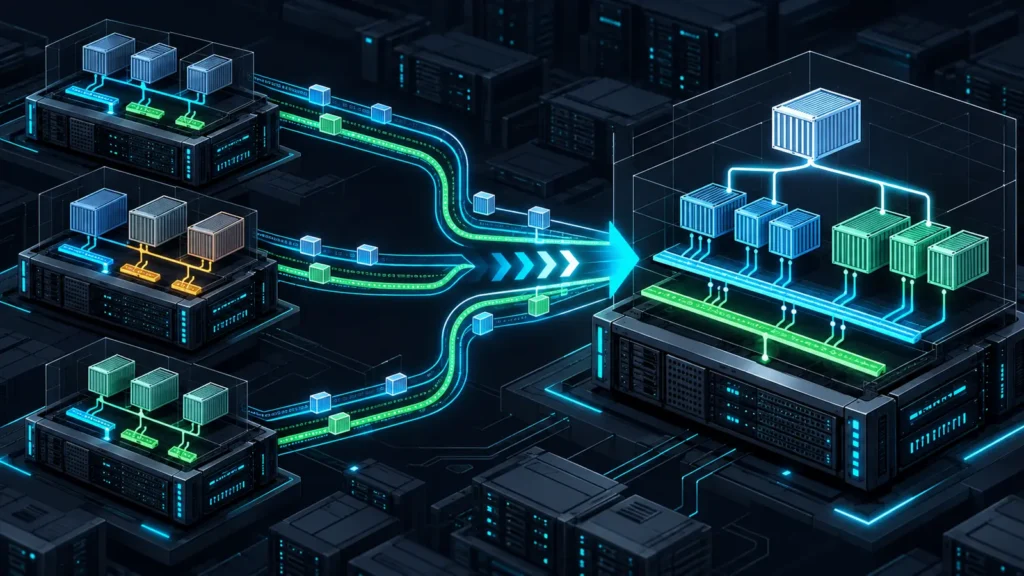
The difficult part is rarely the package command. Modern Java estates commonly include host packages, application-bundled JREs, container base images, CI runners, developer toolchains, and archives unpacked under /opt. A host can report a current /usr/bin/java while a systemd unit launches /srv/app/jre/bin/java. Likewise, updating a Kubernetes node does not update the runtime embedded in a container image.
- Path drift:
JAVA_HOME, alternatives, service files, and wrapper scripts can select different binaries. - Image drift: a running pod may use an older image digest even after the Dockerfile is fixed.
- Build drift: CI workers can compile with a different JDK than production uses to execute the artifact.
- Restart gaps: replacing files on disk does not change the runtime already mapped into a live process.
- Branch confusion: Java 8 uses the
8uNNNscheme, while later releases use dot-separated versions.
This is the same asset-discovery problem that appears in container and host hardening. If your team is already reviewing runtime behavior for the Kubernetes cgroup v2 migration security checklist, add the selected Java binary and image digest to that evidence set. For centralized findings, the workflow also fits the control-oriented approach in our AWS Security Hub CRI rollout guide.
A defensible rollout plan
1. Discover the runtime behind each workload
Start with process evidence, then reconcile it with package and image inventories. On Linux, the commands below show the default runtime, the resolved executable, and Java processes visible to the current user. Run them with the permissions and change controls appropriate to your environment.
java -version
readlink -f "$(command -v java)"
java -XshowSettings:properties -version 2>&1 | grep -E 'java.home|java.vendor|java.version'
ps -eo pid,user,args | grep '[j]ava'
systemctl list-units --type=service --state=running | grep -i java
For each service, record the Java major version, full vendor build, binary path, owning package or image digest, workload owner, environment, and restart method. Search application directories for bundled bin/java paths. In container platforms, inspect both the declared base image and the immutable digest running in each environment.
2. Update from a trusted Corretto repository
AWS publishes Apt, Yum, Zypper, and Alpine instructions for Corretto. If the official repository is already configured, a Corretto 21 update can be requested with the normal package manager. Review the proposed transaction before approving it, especially on systems that host more than one Java branch.
# Debian or Ubuntu
sudo apt-get update
apt-cache policy java-21-amazon-corretto-jdk
sudo apt-get install --only-upgrade java-21-amazon-corretto-jdk

# RPM-based systems
sudo yum check-update java-21-amazon-corretto-devel || true
sudo yum update java-21-amazon-corretto-devel
Use the package name for the branch you actually operate. Do not paste repository bootstrap commands into production without first validating the signing key and repository policy through your configuration-management process. For containers, update the base image reference, rebuild without stale build cache, scan the resulting image, sign or attest it according to policy, and deploy by digest.
3. Test compatibility before broad rollout
Quarterly Java updates are designed to be serviceable updates, but security fixes can expose assumptions in applications and dependencies. Build a canary that exercises TLS handshakes, certificate validation, serialization paths, authentication libraries, database drivers, message clients, cryptographic providers, startup flags, and representative load. Compare error rate, latency, CPU, heap behavior, garbage-collection pauses, and connection churn against the prior build.
Promote the same artifact through staging and production. A rollback should restore the previous signed package or image digest, not rebuild an older environment from memory. Keep the rollback window short enough to reduce security exposure, and document the risk owner when an application cannot move.
Hands-on lab: classify a synthetic Corretto inventory
This offline lab demonstrates version triage without contacting a production host. It compares a small synthetic CSV inventory with the Corretto builds announced by AWS. The lab does not prove that a runtime is vulnerable or fully patched. It only identifies records that are below the announced build for their branch or require manual review.
Prerequisites and isolated setup
- Python 3.9 or later
- An empty working directory on a test workstation
- No network access or elevated privileges required
Create inventory.csv with non-sensitive sample data:
asset,major,version
api-prod-01,21,21.0.12.7.1
worker-canary,21,21.0.13.0.10
billing-prod,17,17.0.21.0.10
legacy-batch,8,1.8.0_462
build-runner,23,23.0.2
Save the following as corretto_audit.py:
import csv, re, sys

floors = {
    "8": (8, 512), "11": (11, 0, 33, 0, 9),
    "17": (17, 0, 21, 0, 10), "21": (21, 0, 13, 0, 10),
    "25": (25, 0, 5, 0, 9), "27": (27, 0, 1, 0, 10)
}

def normalize(major, version):
    if major == "8":
        match = re.search(r"(?:1.8.0[_-]|8u)(d+)", version)
        return (8, int(match.group(1))) if match else None
    numbers = tuple(int(n) for n in re.findall(r"d+", version))
    return (numbers + (0, 0, 0, 0, 0))[:5] if numbers else None

def classify(major, version):
    if major not in floors:
        return "MANUAL_REVIEW"
    parsed = normalize(major, version)
    if parsed is None:
        return "MANUAL_REVIEW"
    return "CURRENT" if parsed >= floors[major] else "UPDATE_REQUIRED"

with open(sys.argv[1], newline="", encoding="utf-8") as handle:
    print("asset,major,version,status")
    for row in csv.DictReader(handle):
        print(f'{row["asset"]},{row["major"]},{row["version"]},'
              f'{classify(row["major"].strip(), row["version"].strip())}')
Run it with:
python3 corretto_audit.py inventory.csvExpected output:
asset,major,version,status
api-prod-01,21,21.0.12.7.1,UPDATE_REQUIRED
worker-canary,21,21.0.13.0.10,CURRENT
billing-prod,17,17.0.21.0.10,CURRENT
legacy-batch,8,1.8.0_462,UPDATE_REQUIRED
build-runner,23,23.0.2,MANUAL_REVIEW
If all rows show MANUAL_REVIEW, confirm that the CSV headers are exactly asset,major,version and that version fields are not empty. If a vendor build uses a different scheme, keep it in manual review and consult that vendor’s advisory rather than forcing it into the Corretto comparison.
Cleanup is simply:
rm -f inventory.csv corretto_audit.pyVerification after deployment
After the rollout, verify the runtime from inside the workload boundary. On a host, inspect the service process and resolved executable. In a container, execute java -version in a newly deployed pod and record the image digest. Confirm that old pods, autoscaling launch templates, golden images, and disaster-recovery environments no longer reference the previous build.
- Capture the full
java -versionoutput as change evidence. - Confirm that the process restarted after package or image replacement.
- Search for alternate Java binaries and stale container digests.
- Monitor authentication, TLS, application errors, and JVM health during the canary window.
- Re-scan the final artifact and close findings only against the deployed evidence.
- Record exceptions with an owner, compensating controls, and expiry date.
Bottom line
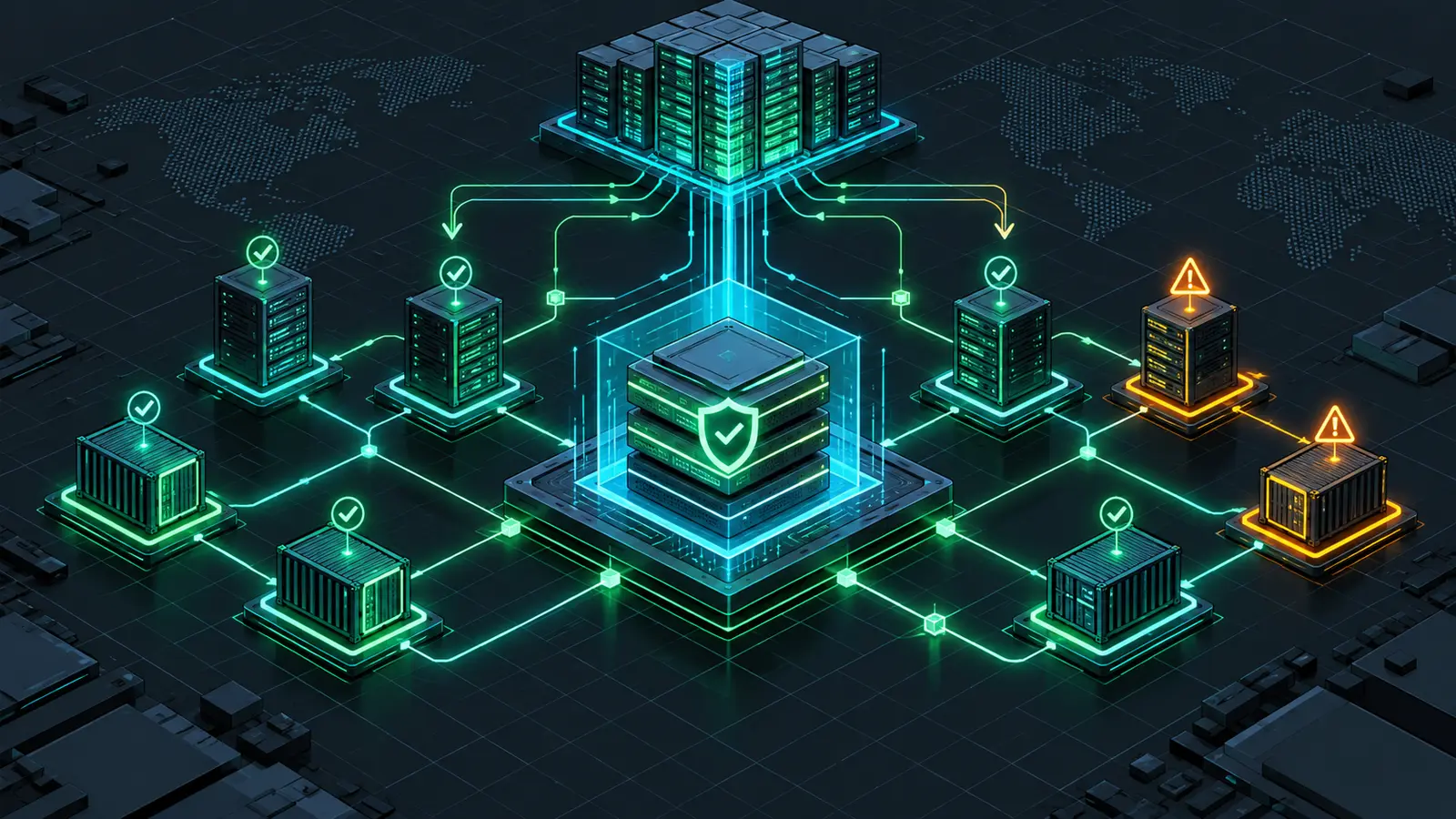
The October Corretto update gives defenders an explicit target, but version compliance is not achieved by updating the first Java binary on the path. Treat the release as a fleet exercise: discover every runtime, patch the correct branch, rebuild immutable artifacts, test application behavior, restart workloads, and verify the version that is actually executing. That process turns a quarterly package update into defensible security evidence.
Primary sources
- AWS: Amazon Corretto October 2026 Quarterly Updates, posted October 23, 2026
- Amazon Corretto 21 releases, including build
21.0.13.0.10and checksums - AWS Corretto 21 Linux installation instructions
- Oracle Critical Patch Update Advisory, October 2026