Last checked: September 28, 2026. GitHub Security Lab published a new fuzzing taskflow on September 24 that uses an AI agent to help write C/C++ harnesses, run AFL++, inspect coverage, and triage crashes. For teams whose fuzzing jobs have gone quiet, the interesting part is the feedback loop: the agent can look at code the fuzzer never reached and decide what to try next. The output still needs an engineer’s judgment.
What GitHub released
The open-source Seclab Taskflows Fuzzing project combines a shell driver, YAML taskflows, and MCP tools. Given a GitHub repository containing native C or C++ code, it identifies candidate functions, analyzes the build system, writes fuzzing harnesses, runs AFL++, and produces coverage and crash reports. GitHub describes it as an active-development project, so treat its output as research evidence rather than an assurance that the target is secure.
This is particularly relevant for parsers, decoders, validators, and other code that processes attacker-controlled bytes. A fuzzer can execute millions of inputs, but it cannot reach a parser branch that its harness never calls or a format guard its seed corpus never satisfies. The new workflow tries to close those gaps automatically. It does not replace secure design review, manual reachability analysis, or a production vulnerability assessment.
How the coverage loop works
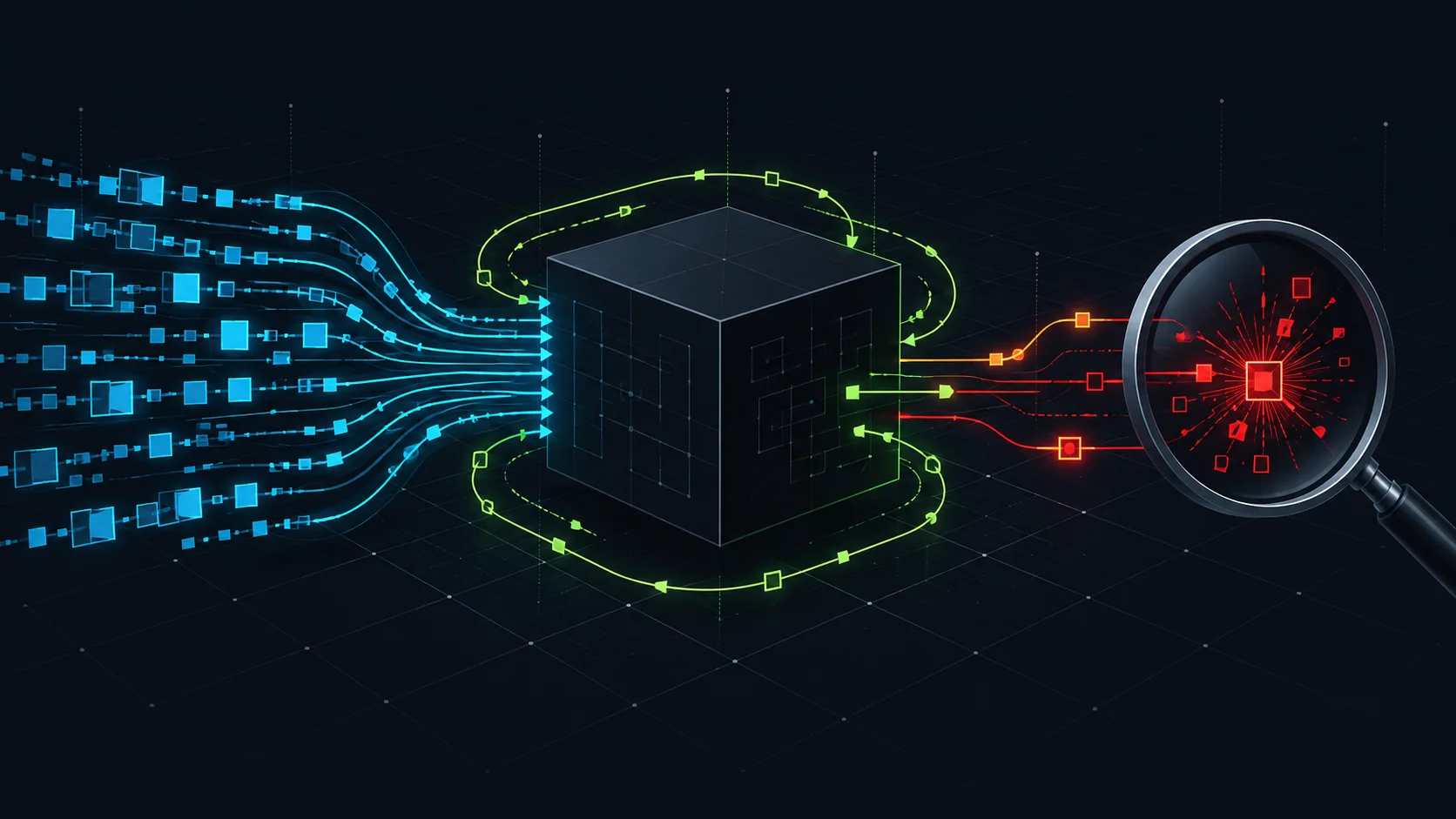
Each generated harness is built in two forms. The AFL-instrumented binary explores new paths and runs with address and undefined-behavior sanitizers; a separate coverage binary replays interesting inputs so the tool can calculate source-level coverage. The agent then inspects uncovered branches and may add a seed, change a harness, enrich an AFL dictionary with a meaningful token, or skip an unimportant path. GitHub’s documented time budgets increase from 30 seconds to 960 seconds across successive rounds, with a plateau rule that can end low-yield work early.
The project also preserves a corpus between rounds and campaigns. That matters because a useful seed discovered today should not be discarded when tomorrow’s campaign begins. For structured formats, the repository includes format-aware dictionaries and mutation mechanisms, while its source-aware logic can extract constants from the target’s own code. These are mechanisms to improve reachability, not guarantees that all important paths will be exercised. GitHub’s September 24 technical write-up explains the design.
From a crash to a credible finding
A crashing input is a lead, not automatically a vulnerability. The taskflow minimizes crash inputs, replays them under AddressSanitizer, groups similar stack traces, and drafts a report about the suspected root cause. Its verdicts distinguish possible vulnerabilities from harness bugs, non-reproducible crashes, resource exhaustion, and findings that need more investigation. A reviewer should reproduce the input independently, check the exact affected version, trace whether untrusted input can reach the faulty API, and decide whether the impact crosses a security boundary.
GitHub explicitly labels suggested patches as requiring review. That is sensible: an agent can misunderstand a calling convention, overstate exploitability, or miss a compensating check. Keep the minimized reproducer and sanitizer trace with your report; they are more useful to maintainers than an unverified severity label.
Hands-on lab: a disposable cJSON smoke test
This lab follows the project’s documented quick-start path. It is a suggested exercise, not a run we performed for this article. Use a fresh GitHub Codespace or another disposable Linux VM for a public test repository. Do not run the agent on your workstation, production host, or a machine with sensitive credentials: the taskflow runs compiler, fuzzer, and agent-selected build commands directly on its host.
Prerequisites
- A GitHub account able to start a Codespace and use a Copilot-entitled token for the Taskflow Agent’s
AI_API_TOKEN, as described in the framework README. - A Codespace secret named
AI_API_TOKEN; the framework documentsGH_TOKENfor GitHub API access as well. Use only the permissions the run needs. Never paste tokens into a shell history, article, or log. - Time and compute for a fuzzing campaign. The documented default loop can take roughly 32 minutes per target, and a project may produce several targets.
Run the sample
- Open the official repository and create a Codespace from it. Check that your required Codespace secrets are available to this new environment.
- In the repository root, start GitHub’s small sample target:
./scripts/fuzzing/run_fuzzing.sh DaveGamble/cJSONThe script may install AFL++ and related tooling, fetch the target source, build candidate harnesses, and start fuzzing. Watch the command output for build failures and note which target functions were selected. The project documents a dashboard on port 8765, automatically forwarded in a Codespace. Its coverage trend, per-harness runs, and crash table are more informative than the simple count of test cases.
Inspect results and troubleshoot
Look for the campaign summary under the documented workspace path, ~/.local/share/seclab-taskflow-agent/seclab-taskflows/. Compare the reported covered lines and functions with the code paths you care about. If a crash appears, save its minimized input and sanitizer output, then verify the failure against the exact upstream revision before calling it a security issue. A campaign with zero crashes still has value if it exposes blind spots; it does not prove the project is free of bugs.
If setup stops early, check that the token is present in the disposable environment, the GitHub CLI can access the public target, and the compiler and AFL installation succeeded. If a harness fails to build, inspect the generated build error before changing the target or flags. The project’s README notes that complex build systems may not work with its current clang/AFL pipeline. Codespaces may show AFL warnings about CPU settings; consult the repository’s limitations before treating those warnings as a campaign failure.
Cleanup
Export only the reports and reproducible test inputs you are authorized to retain. Then stop and delete the disposable Codespace or VM. Remove the test environment’s access to secrets; rotate a token if it may have been exposed in logs or copied into the workspace. Do not publish a newly found bug before coordinating disclosure with the affected maintainer.
Where this fits in a security program
Use AI-assisted fuzzing where a team already owns the target code or has permission to test it, can review generated harnesses, and has a path to triage the results. Prioritize components that ingest untrusted files, network messages, or serialized data. Track coverage change, reproducible unique crashes, and time to human triage rather than counting raw agent reports. For each accepted finding, add the minimized input as a regression test and rerun it after the fix.
The execution boundary deserves the same care as the testing plan. Repository content can influence an agent, and this taskflow can run chosen build commands on the host. An isolated, short-lived environment with limited credentials is therefore part of the workflow, not an optional extra. If you are building broader controls for AI-powered development tools, see our guide to securing enterprise AI systems and our analysis of shared filesystem access in AI workloads.
Conclusion
GitHub Security Lab’s new taskflow makes a useful promise: turn coverage feedback into the next fuzzing action instead of leaving every harness improvement to a human. The practical test is whether its generated inputs reach code your current campaign misses and whether its crash reports survive independent reproduction. Try it in a disposable environment, review each finding, and carry confirmed cases into your normal fix-and-regression workflow.