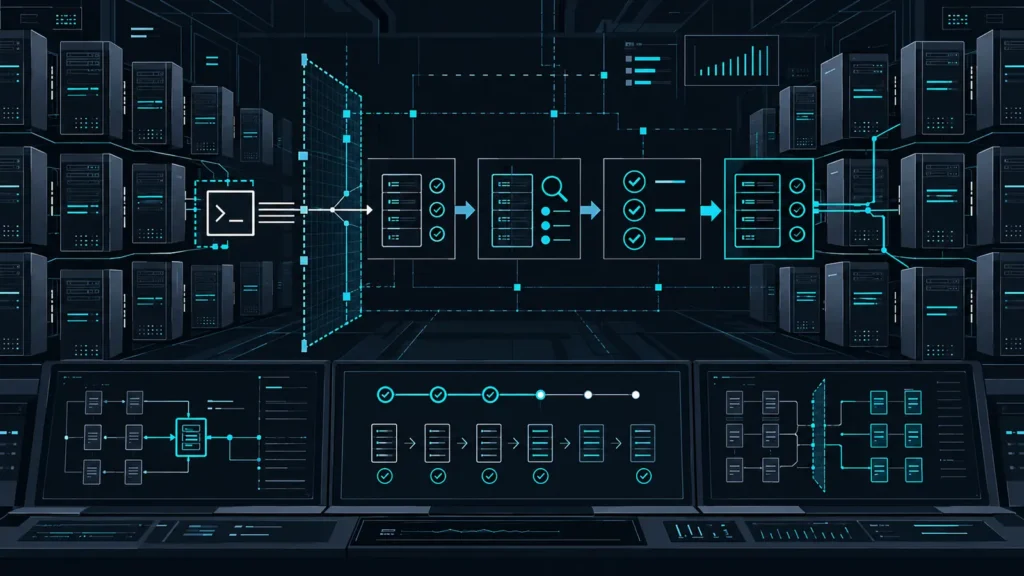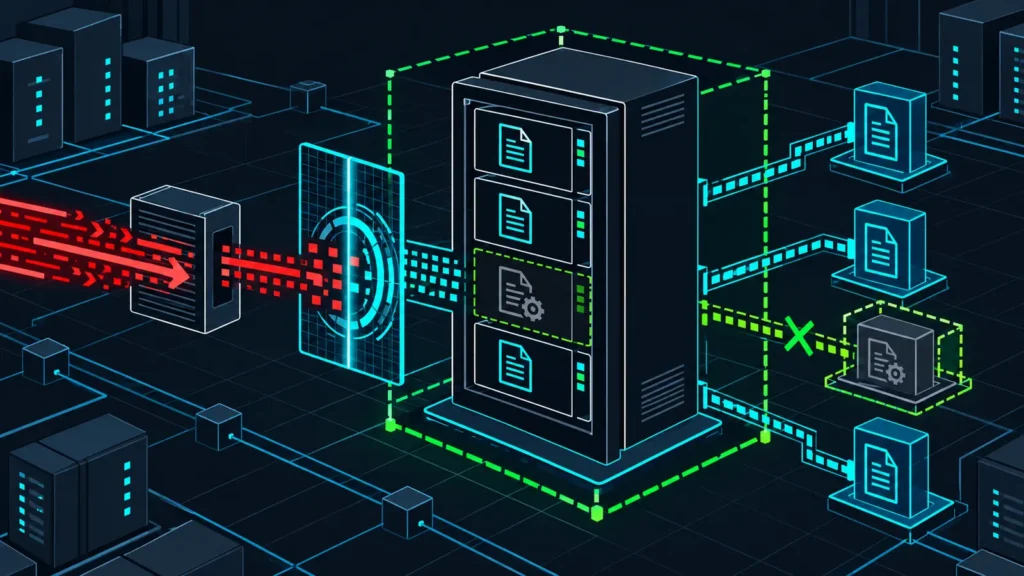

CISA added two more Ivanti Connect Secure flaws to its Known Exploited Vulnerabilities catalog on October 30, 2026, turning an already urgent authentication-bypass issue into a three-part incident-response problem. Teams should not treat this as a routine “patch and close” ticket. The practical response is to identify exposed appliances, preserve evidence, validate appliance integrity, apply the vendor-supported update, and rotate credentials that may have crossed the gateway.
Defender summary: CVE-2026-104935 can provide an initial authentication bypass; CVE-2026-111357 is a locally reachable privilege-escalation path that has been exploited; and CVE-2026-118527 lets a remote authenticated attacker place attacker-controlled content at a predictable location. CISA says the three issues can be chained. Do not reproduce the chain on a production appliance.
What changed on October 30
Ivanti disclosed CVE-2026-104935 on October 13 and said it was aware of limited exploitation in the wild. The vendor advised affected customers to upgrade to a fixed release and run the Integrity Checker Tool regularly. On October 30, CISA added CVE-2026-111357 and CVE-2026-118527 to the KEV catalog, explicitly documenting that both can participate in a chain with CVE-2026-104935.
- CVE-2026-104935: an authentication-bypass-by-spoofing issue that can establish an initial foothold without valid credentials.
- CVE-2026-111357: a local authenticated privilege-escalation issue affecting the way a broker trusts configuration data. Public records describe exploitation in the wild.
- CVE-2026-118527: a predictable-identifier weakness that can let an authenticated attacker upload controlled content to a known disk location.
The sequence matters more than any one score. An edge appliance can be reached from the internet by design, it sits directly on sensitive authentication paths, and it often bridges untrusted and trusted networks. A chain that moves from pre-authentication access to file placement and elevated execution changes the question from “is the patch installed?” to “can we prove this appliance remained trustworthy?”
Affected releases and the version trap
The Canadian Centre for Cyber Security updated its advisory on October 30 and lists affected Ivanti Connect Secure releases as versions before 25.1.1.3, before 25.1.3.1, and before 22.8R2.6. Ivanti’s current security advisory remains the authoritative source because supported branches, hotfixes, and replacement guidance can change after publication.
| Release train | First release not listed as affected | Defender action |
|---|---|---|
| 25.1.1.x | 25.1.1.3 | Upgrade older builds and investigate exposure |
| 25.1.3.x | 25.1.3.1 | Upgrade older builds and investigate exposure |
| 22.8R2.x | 22.8R2.6 | Upgrade, then confirm the vendor’s lifecycle guidance |
| Any other or custom build | Do not infer | Validate directly against Ivanti support data |
A string that looks numerically higher is not automatically safe. Appliance release names contain branch markers, and organizations sometimes run custom or interim builds. Asset tools should therefore return an explicit REVIEW state for unfamiliar trains rather than silently passing them.
A practical response sequence
1. Inventory and prioritize the edge
Start with authoritative sources: load balancer pools, DNS, external attack-surface records, certificate inventories, configuration management, and the Ivanti management plane. Record the exact release string, public reachability, authentication role, cluster membership, owner, last update, and whether administrative interfaces are exposed. Put internet-facing production gateways at the front of the queue.
2. Preserve evidence before disruptive work
If compromise is plausible, preserve logs, configuration exports, Integrity Checker Tool results, network telemetry, authentication events, and the system time source before factory reset, reimage, or replacement. Keep a chain-of-custody record. CISA assigns the shortest remediation deadline to CVE-2026-111357 for US federal agencies and calls for forensic triage; non-federal organizations can use that urgency as a risk signal without treating the federal deadline as their own legal requirement.
3. Contain without destroying the trail
Restrict management access to dedicated administration networks, remove direct exposure that is not required, and limit outbound communication from the appliance to approved destinations. If business continuity requires the gateway to remain online, coordinate a failover to a known-good, updated unit. Avoid logging into a suspect gateway with new high-value credentials unless the incident lead approves the risk.
4. Update, validate, and rotate
Follow Ivanti’s current upgrade path rather than jumping branches based only on the table above. After updating, run the Integrity Checker Tool and compare results with pre-update evidence. Rebuild or replace the appliance when vendor guidance or forensic findings require it. Rotate administrative passwords, API secrets, service-account credentials, SAML secrets, certificates, and session material that may have been available to the gateway. Revoke active sessions so stolen tokens cannot survive the patch.
Detection and hunting priorities
No single log line proves this chain was used. Build a timeline across the appliance, identity provider, firewall, DNS, EDR, and downstream systems. Look for correlated changes rather than relying on a generic indicator list.
- Integrity Checker Tool findings, unexpected configuration differences, or files that cannot be explained by an approved update.
- Administrative or local account activity outside maintenance windows, particularly sessions that do not match expected source networks.
- New or modified scheduled tasks, scripts, startup items, web assets, or binaries on the appliance.
- Outbound DNS or network connections from the gateway to destinations absent from the allowlist.
- Unusual SAML assertions, repeated session creation, impossible travel, or privileged access immediately after a gateway login.
- Internal reconnaissance or authentication attempts whose source is the VPN appliance address rather than a normal user endpoint.
Absence of an alert is not evidence of absence. Edge appliances can have limited telemetry and an attacker with elevated access may tamper with local evidence. Network-level logs and identity-provider records are therefore essential independent sources.
Hands-on lab: classify an isolated inventory
This lab does not scan or contact an Ivanti device. It reads a synthetic CSV file and labels documented trains as PATCH or CURRENT; anything else becomes REVIEW. Use it to test triage logic in an isolated workstation, then adapt it to an approved asset export.
Prerequisites
- Python 3.9 or newer
- A disposable directory containing only synthetic data
- No network access and no production credentials
asset,version,internet_exposed,owner
vpn-gateway-01,22.8R2.4,yes,network-team
vpn-gateway-02,22.8R2.6,yes,network-team
vpn-gateway-03,25.1.1.2,no,platform-team
vpn-gateway-04,25.1.3.1,yes,platform-team
vpn-lab-01,23.4R1.0,no,security-lab
#!/usr/bin/env python3
import csv, re, sys
THRESHOLDS = {"22.8R2": 6, "25.1.1": 3, "25.1.3": 1}
def classify(version):
for train, fixed_patch in THRESHOLDS.items():
if version.startswith(train + "."):
suffix = version[len(train) + 1:]
if not re.fullmatch(r"\d+", suffix):
return "REVIEW"
return "PATCH" if int(suffix) < fixed_patch else "CURRENT"
return "REVIEW"
with open(sys.argv[1], newline="", encoding="utf-8") as handle:
rows = csv.DictReader(handle)
print("asset,version,exposure,disposition")
for row in rows:
exposure = "internet" if row["internet_exposed"].lower() == "yes" else "internal"
print(f'{row["asset"]},{row["version"]},{exposure},{classify(row["version"])}')Save the files as inventory.csv and triage_ivanti_inventory.py, then run:
python3 triage_ivanti_inventory.py inventory.csvExpected output:
asset,version,exposure,disposition
vpn-gateway-01,22.8R2.4,internet,PATCH
vpn-gateway-02,22.8R2.6,internet,CURRENT
vpn-gateway-03,25.1.1.2,internal,PATCH
vpn-gateway-04,25.1.3.1,internet,CURRENT
vpn-lab-01,23.4R1.0,internal,REVIEW
Troubleshooting and cleanup
If Python reports a missing file, run pwd and ls -l to confirm both files are in the working directory. A REVIEW result is intentional for unknown or custom trains; do not weaken that guardrail. When finished, delete the disposable directory. The script was executed locally against the sample data, but it has not been tested against a production Ivanti export.
Communicate the risk precisely
Executives need a short statement: an internet-facing access gateway has multiple known-exploited weaknesses that can be chained, and the response must include investigation as well as patching. Operators need the exact asset list, owners, maintenance windows, evidence-preservation requirements, and a documented go/no-go decision for each gateway. Avoid calling every vulnerable appliance compromised, but do not call an updated appliance clean without corroborating evidence.
For a reusable prioritization workflow, see CISA KEV Vulnerability Prioritization After the Weekly Bulletin. Teams preparing containment and evidence handling can also use the Incident Response Playbook.
Conclusion
The October 30 KEV additions make the Ivanti Connect Secure response straightforward in principle: find every appliance, preserve evidence, reduce exposure, update through the vendor-supported path, validate integrity, rotate trust material, and monitor downstream identity activity. The hard part is resisting the temptation to reduce the work to a version check. Treat the gateway as a potential incident boundary until independent telemetry and forensic review support closure.
Primary sources
- Ivanti: October 2026 Security Update, October 13, 2026.
- Ivanti Connect Secure security advisory, current vendor guidance.
- Canadian Centre for Cyber Security advisory AV26-1035, updated October 30, 2026.
- NVD: CVE-2026-111357.
- NVD: CVE-2026-118527.
- NVD: CVE-2026-104935.