A joint government advisory published on October 20, 2026 gives defenders a new, investigation-backed view of SafePay ransomware. The useful response is not to chase a brand name. It is to test the specific access paths, tools, and destructive behaviors in AA26-293A against your own environment, then close the gaps before an operator reaches identity systems and backups.
The FBI, CISA, U.S. Secret Service, Germany’s Landeskriminalamt Rheinland-Pfalz, the U.K. National Crime Agency, and the U.K. North West Regional Organised Crime Unit produced the advisory from investigations as recent as August 2026. The agencies say SafePay has affected at least 600 separate victims across multiple critical-infrastructure sectors since August 2024. That figure is agency-reported scope, not an independently verified victim list.
What AA26-293A changes for defenders
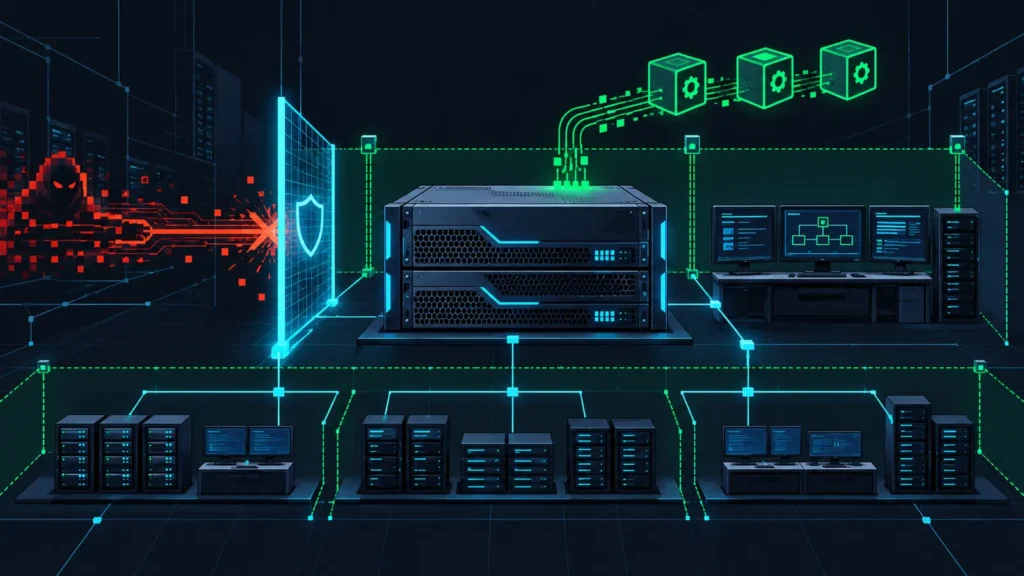
The advisory connects a recognizable intrusion chain: exposed or stolen credentials, brute-force activity, vulnerable VPN or internet-facing infrastructure, legitimate remote-administration utilities, data theft, backup disruption, and encryption. It also names five previously disclosed vulnerabilities associated with initial access. None should be treated as proof of SafePay activity by itself.
- Scope: at least 600 victims reported by the authoring agencies across the Americas, Europe, and Australia.
- Initial access: credential exposure, password guessing, VPN access, and exploitation of internet-facing systems.
- Data movement: observed utilities include FileZilla, 7-Zip, Rclone, WinRAR, and the Backblaze
b2.execlient. - Impact: the chain includes disabling or modifying defenses, damaging recovery options, data exfiltration, and files renamed with the
.SafePayextension.
This combination makes edge devices and backup infrastructure a single incident-response problem. An exposed VPN can provide the foothold, while a reachable backup server can turn a contained endpoint event into an organization-wide recovery crisis.
Prioritize the five cited vulnerabilities
| CVE | Product and risk | First response question |
|---|---|---|
CVE-2020-3259 | Cisco ASA and FTD web services information disclosure in affected AnyConnect or WebVPN configurations | Was a vulnerable remote-access configuration exposed, and are there historical web-service or VPN logs? |
CVE-2023-20269 | Cisco ASA and FTD remote-access VPN weakness that can support credential discovery or unauthorized clientless SSL VPN access under specific conditions | Are default connection profiles restricted, MFA enforced, and failed authentication events forwarded centrally? |
CVE-2023-27532 | Veeam Backup & Replication service could disclose encrypted credentials to an unauthenticated user inside the backup network perimeter | Is TCP 9401 unnecessarily reachable, and were stored service credentials rotated after patching? |
CVE-2024-40711 | Veeam Backup & Replication unauthenticated remote code execution affecting older version 12 builds | Is the server at a fixed or current supported build, and was it ever internet-reachable? |
CVE-2024-40766 | SonicOS improper access control affecting management access and SSLVPN on specified older releases | Is management restricted to trusted administration paths, and do device logs show anomalous sessions or configuration changes? |
Use the vendors’ current advisory and release checker for the exact appliance model and branch. Do not assume that a device is safe because its major version looks recent. If an affected system was exposed during a vulnerable period, patching is necessary but does not answer whether access already occurred. Preserve logs, compare the exposure window with authentication activity, and rotate credentials the device could reach.
A four-stage SafePay incident response plan
1. Establish exposure before scanning everything
Build a short inventory of Cisco ASA or FTD, Veeam Backup & Replication, and SonicWall SonicOS deployments. Record software build, management exposure, VPN exposure, owner, authentication source, log destination, and the last known patch date. Give priority to systems directly reachable from the internet or from broad user networks.
For each exposed asset, answer three questions: Was the vulnerable feature enabled? Was the affected version in service? Can you still retrieve logs for that interval? An unknown answer is a risk item, not a clean result.
2. Hunt identity and remote-access anomalies
- Review successful VPN sessions that followed repeated failures, especially from new autonomous systems, countries, or privacy-network exits.
- Find newly created local, domain, and cloud accounts, as well as dormant accounts that became active.
- Check for MFA changes, new authentication methods, unexpected group membership, and service-account interactive logons.
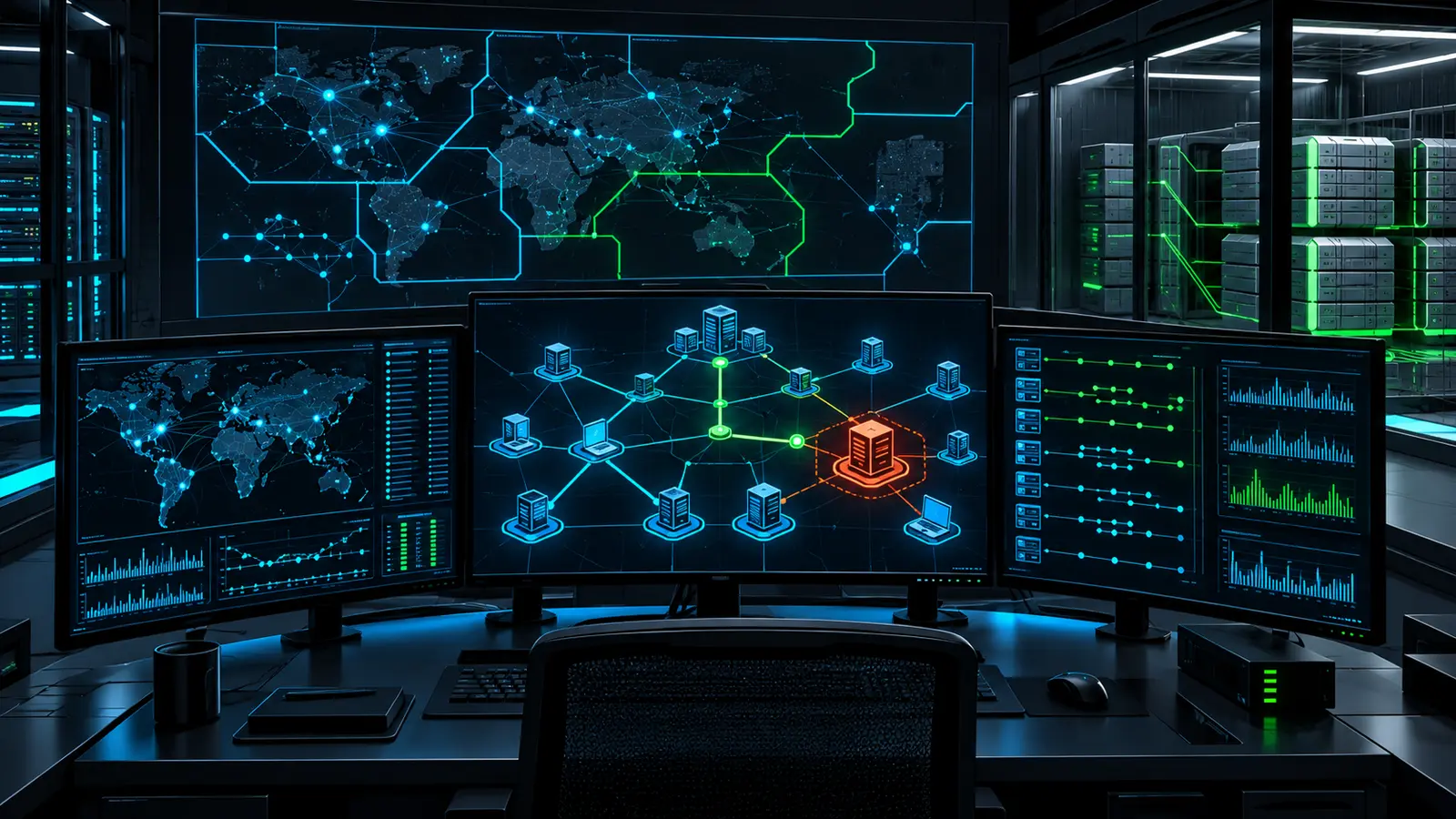
- Correlate device authentication with identity-provider, endpoint, DNS, proxy, and firewall telemetry. A single IP indicator is not enough for attribution.
If a VPN or edge appliance cannot provide sufficient historical data, widen the search to downstream systems. Look for the first internal host contacted by the remote session and trace that identity’s activity from there.
3. Detect staging, exfiltration, and recovery sabotage
Legitimate transfer tools are common in administration, so detect context rather than filenames alone. A new rclone.exe on a domain controller, a backup operator launching b2.exe interactively, or a large outbound transfer followed by shadow-copy deletion deserves rapid review. Baseline approved tool paths, publishers, users, destinations, and change windows.
- Alert on shadow-copy deletion, recovery-option changes, and clearing of Windows event logs.
- Watch for Rclone or Backblaze B2 execution from unusual directories, parent processes, or accounts.
- Detect new archive creation on file servers and large egress to unsanctioned storage destinations.
- Monitor backup-console logons, repository deletion, retention changes, and factory-reset activity on network-attached storage.
- Search file telemetry for the
.SafePayextension, but treat it as a late-stage indicator.
4. Contain without destroying evidence
Isolate confirmed hosts through EDR or network controls, disable compromised accounts, revoke sessions and tokens, and block attacker-controlled infrastructure after validation. Preserve volatile evidence and relevant device configurations before reimaging. Do not reconnect backups until the identity plane and backup-management path have been assessed.
Recovery should start from a known-clean control plane. Confirm that at least one offline or immutable copy is inaccessible to production credentials, test a restore into an isolated network, and document the recovery point. CISA’s StopRansomware guidance emphasizes encrypted offline backups and regular restore testing because a backup that cannot be restored is not a control.
Hands-on lab: triage process-event exports safely
This isolated lab searches synthetic JSON Lines data for behavior associated with ransomware impact and exfiltration tooling. It does not execute any observed command and does not claim actor attribution. The example was tested with Python 3.11 against the four sample events below.
Prerequisites and sample data
- Python 3.9 or later on an analyst workstation
- A new empty lab directory
- Exported process events normalized to the fields
TimeCreated,Computer,User,Image, andCommandLine
mkdir safepay-hunt && cd safepay-hunt
cat > sample-events.jsonl <<'JSONL'
{"TimeCreated":"2026-10-21T08:00:00Z","Computer":"LAB-WS01","User":"LAB\\analyst","Image":"C:\\Windows\\System32\\whoami.exe","CommandLine":"whoami /all"}
{"TimeCreated":"2026-10-21T08:01:00Z","Computer":"LAB-SRV01","User":"NT AUTHORITY\\SYSTEM","Image":"C:\\Windows\\System32\\vssadmin.exe","CommandLine":"vssadmin.exe delete shadows /all /quiet"}
{"TimeCreated":"2026-10-21T08:02:00Z","Computer":"LAB-SRV01","User":"LAB\\svc-backup","Image":"C:\\Tools\\rclone.exe","CommandLine":"rclone.exe sync D:\\Finance remote:case-001"}
{"TimeCreated":"2026-10-21T08:03:00Z","Computer":"LAB-SRV01","User":"NT AUTHORITY\\SYSTEM","Image":"C:\\Windows\\System32\\wevtutil.exe","CommandLine":"wevtutil.exe cl System"}
JSONL
Create the detector
#!/usr/bin/env python3
import argparse, json, pathlib, re, sys

RULES = (
    ("shadow-copy-deletion", "critical",
     re.compile(r"\bvssadmin(?:\.exe)?\b.*\bdelete\s+shadows\b", re.I)),
    ("recovery-disabled", "high",
     re.compile(r"\bbcdedit(?:\.exe)?\b.*(?:recoveryenabled\s+no|bootstatuspolicy\s+ignoreallfailures)", re.I)),
    ("event-log-cleared", "high",
     re.compile(r"\bwevtutil(?:\.exe)?\b\s+cl\s+", re.I)),
    ("cloud-exfil-utility", "high",
     re.compile(r"\b(?:rclone(?:\.exe)?\s+(?:copy|sync|move)|b2(?:\.exe)?\s+(?:sync|upload-file|file\s+upload))\b", re.I)),
    ("safepay-extension-reference", "critical",
     re.compile(r"\.safepay\b", re.I)),
)

def hunt(path):
    events = alerts = 0
    with path.open(encoding="utf-8") as stream:
        for line_no, raw in enumerate(stream, 1):
            if not raw.strip():
                continue
            events += 1
            try:
                event = json.loads(raw)
            except json.JSONDecodeError as exc:
                print(f"WARN line={line_no} invalid_json={exc.msg}", file=sys.stderr)
                continue
            image = str(event.get("Image", ""))
            command = str(event.get("CommandLine", ""))
            for rule, severity, pattern in RULES:
                if pattern.search(f"{image} {command}"):
                    alerts += 1
                    print(json.dumps({
                        "rule": rule, "severity": severity,
                        "time": event.get("TimeCreated", "unknown"),
                        "computer": event.get("Computer", "unknown"),
                        "user": event.get("User", "unknown"),
                        "image": image, "command_line": command
                    }, separators=(",", ":")))
    print(f"SUMMARY events={events} alerts={alerts}", file=sys.stderr)

parser = argparse.ArgumentParser()
parser.add_argument("jsonl", type=pathlib.Path)
args = parser.parse_args()
hunt(args.jsonl)
Run it and interpret the result
python3 hunt_safepay.py sample-events.jsonl > alerts.jsonl
cat alerts.jsonl
{"rule":"shadow-copy-deletion","severity":"critical",...}
{"rule":"cloud-exfil-utility","severity":"high",...}
{"rule":"event-log-cleared","severity":"high",...}
SUMMARY events=4 alerts=3The ellipses above shorten the display only; the script prints complete JSON objects. Expect false positives from approved backup maintenance and administration. Enrich every hit with parent process, signer, hash, destination, initiating user, asset role, and change ticket before escalating.
Troubleshooting and cleanup
- If every line reports invalid JSON, export one compact JSON object per line rather than a JSON array.
- If
CommandLineis empty, enable process command-line collection in the lab first and confirm your privacy and retention policy before production rollout. - Adapt field names in one place if your EDR or SIEM uses a different schema.
- Remove the lab with
cd .. && rm -rf safepay-huntonly after confirming you are outside the directory and it contains no real evidence.
What to do in the next 24 hours
- Inventory the three cited product families and document version, exposure, owner, and logging.
- Patch affected supported releases using the vendor’s current guidance; isolate or retire unsupported systems.
- Require phishing-resistant MFA where supported for VPN and privileged access, and remove unused accounts.
- Run an identity and process hunt across the exposure window, not only against today’s IOC list.
- Confirm that a clean, offline or immutable backup can be restored without production-domain credentials.
- Escalate correlated evidence through the incident-response plan and preserve forensic data before rebuilding.
For a repeatable vulnerability-priority workflow, use our CISA KEV prioritization pipeline. Teams building host detections can also adapt the process-event logic to the collection and rule workflow in our Wazuh custom detection guide.
Conclusion
AA26-293A is valuable because it ties edge exposure, identity abuse, legitimate transfer utilities, and backup destruction into one defensive picture. Treat its CVEs and IOCs as pivots, not verdicts. The strongest response is a correlated investigation backed by current patches, durable telemetry, restricted administration, and a recovery path that compromised production identities cannot erase.