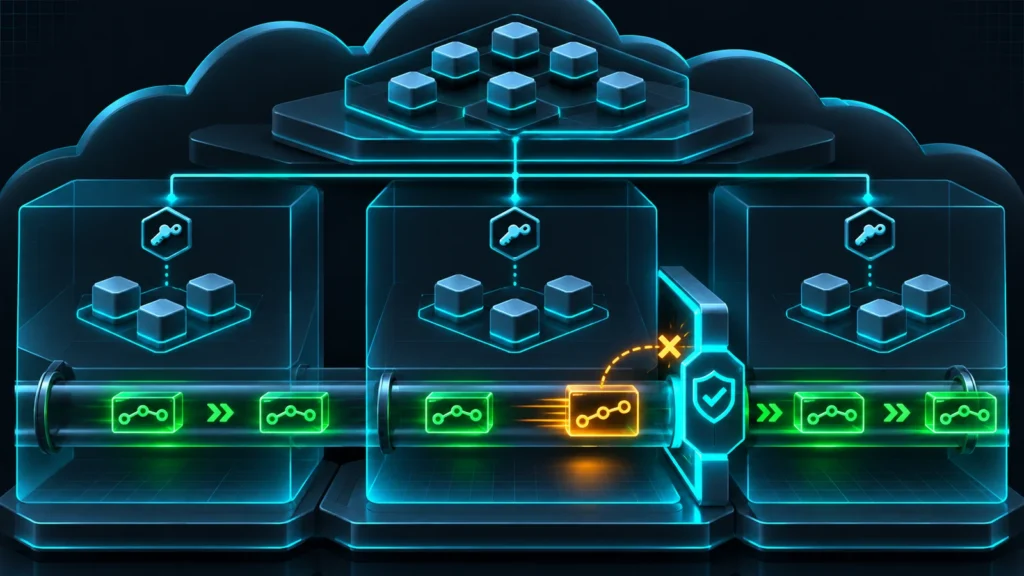
Portainer is more than a dashboard: it is a management plane that fetches Git repositories, Helm charts, registry data and templates on behalf of its users. That outbound reach is useful, but it also creates an SSRF boundary. A Portainer advisory published on 8 October 2026 documents multiple routes through which an authenticated user could make the server connect to an unintended destination. The CVE-2026-134756 record was published on 22 November. The relevant fix is not new today: Portainer 2.45.1 was released on 17 September. The operational question is whether your server is upgraded and whether its outbound access is constrained.
What the Portainer SSRF issue covers
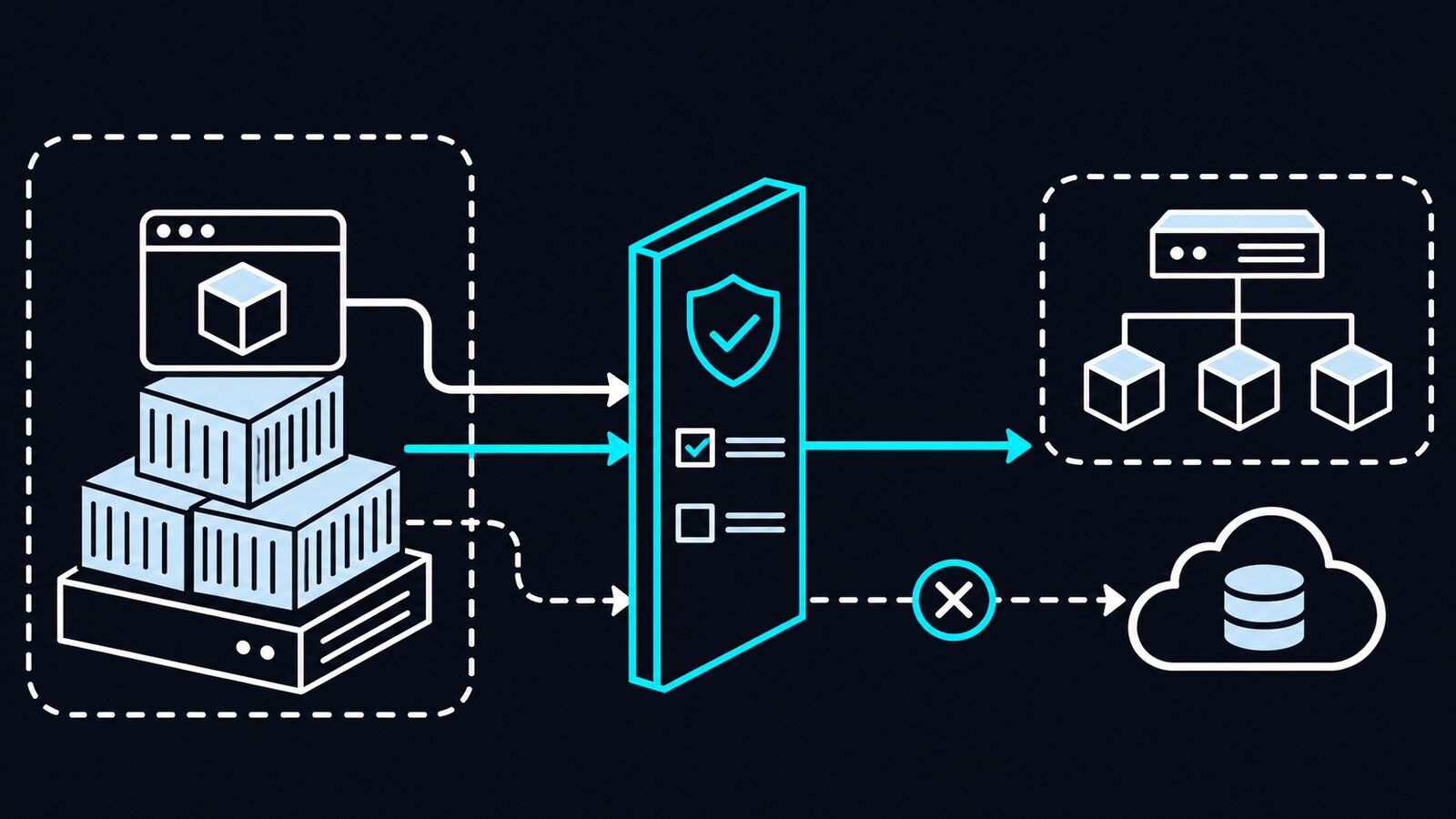
The vendor groups several outbound-request features under one server-side request forgery (SSRF) advisory. Git-backed stacks, custom templates and file previews; Helm repository and chart retrieval; registry pings; URL-fetched templates and Kubernetes manifests; the GitLab proxy; and an OAuth resource fetch all involve server-side connections. In the affected paths, URL syntax was checked without checking the IP address to which the destination resolved. An authenticated user with access to one of those features could therefore ask Portainer to reach a host the user could not contact directly. Several of the affected operations are accessible to standard users; some configuration paths require an administrator.
That does not mean every request returns secrets. Some paths are effectively blind and may disclose only timing or errors. Others can return upstream responses, while the admin-configured OAuth resource path can forward a bearer token. The impact depends heavily on what the Portainer server can reach: a segmented host with tight egress has a smaller exposure than a management server that can contact internal applications and a cloud instance-metadata endpoint. The advisory does not say that the flaw compromises Portainer’s integrity or availability by itself.
Versions and a crucial edition distinction
Portainer lists Community Edition and Business Edition versions 2.39.0 through 2.45.0 as affected and 2.45.1 as the first release covering all named outbound paths. Partial protections appeared in some earlier releases, but they are not equivalent to full coverage. The 2.45.1 release notes specifically mention SSRF-aware handling for Git HTTP/HTTPS operations and Helm chart resolution.
There is a subtle but important catch: installing 2.45.1 adds the centralized destination-checking machinery, but the SSRF mode ships disabled by default. Business Edition operators can configure it in Audit and then Enforce mode. Community Edition includes the shared code paths but has no supported way to enable that in-product mode, so network segmentation and egress filtering remain its practical destination controls. Neither edition should rely on an upgrade alone to define which internal services Portainer may contact.
How to reduce exposure
Patch, then define the network boundary
- Inventory and upgrade. Identify each Portainer Server deployment and its edition, check the running image or package version, back up its data, and upgrade to 2.45.1 or a later supported release using your normal change process. Verify the version in the running deployment after restart, not only in the image reference.
- Constrain outbound traffic. Deny access from the Portainer host or workload to the cloud metadata address
169.254.169.254and to internal ranges it does not need. Allow only the Git servers, container registries, Helm repositories and identity providers the deployment actually uses. Apply the policy at an enforcement point the Portainer process cannot bypass; account for the host network, container network and any proxy path. - Limit the entry point. Keep the Portainer UI and API off untrusted networks, use an internal network or VPN, and review which users and teams can create Git-backed stacks, manage registries or install charts. An authenticated account is still required for the affected user-triggered paths, so access control matters.
- Use Business Edition’s SSRF mode deliberately. Start with Audit to discover legitimate destinations, review the findings, build an allow-list, then move to Enforce. Watch for blocked legitimate Git, Helm and registry traffic. This complements—not replaces—network egress controls.
- Investigate suspicious outbound activity. Review available server, proxy and firewall logs for unexpected internal or metadata destinations. If evidence indicates credentials might have been exposed, follow your incident process and rotate the affected cloud, registry or OAuth credentials. Do not rotate everything solely because a vulnerable version was installed.
This is the same management-plane principle discussed in our Kubeflow Pipelines patch-and-audit guide: the reach of a privileged service matters as much as its public entry points.
Safe hands-on check: inventory a Docker-hosted server
Prerequisites: a disposable test host or an authorized Portainer host, a Docker CLI with permission to inspect local containers, and a maintenance plan for any later upgrade. The commands below are read-only. They do not attempt SSRF or contact cloud metadata. They have not been tested against your environment.
docker ps --format '{{.ID}}t{{.Names}}t{{.Image}}t{{.Ports}}' | grep -i portainer
# Copy the container ID from the first column into CID:
CID='replace-with-container-id'
docker inspect "$CID" --format 'image={{.Config.Image}} network={{.HostConfig.NetworkMode}}'
Expected result: the first command prints the running Portainer container ID, name, image reference and published ports; the second reports its configured image and network mode. An image tag such as latest is not proof of the running binary’s version. Confirm the version in Portainer’s own UI or your deployment records before closing the ticket. Also inspect the host, firewall, Kubernetes NetworkPolicy or cloud security group that actually governs the server’s outbound connections.
Troubleshooting: if the first command prints nothing, Portainer may use a different runtime, a custom image name, Kubernetes, or a non-container installation. Use that platform’s inventory method instead. If Docker reports permission denied, request authorized access; do not change socket permissions as a shortcut. Cleanup: none is needed because these commands make no changes. Do not paste credentials or sensitive inspection output into a public ticket.
Bottom line
CVE-2026-134756 is a useful prompt to audit a trust boundary, not evidence of a newly released patch or an observed compromise. Upgrade Portainer to at least 2.45.1, verify the running version, and narrow what the server can reach. Business Edition users should decide whether to enable Audit and then Enforce; Community Edition users need to be especially deliberate about network-layer egress policy.
Primary references
- Portainer security advisory GHSA-wqqf-pwjh-2hm6 (published 8 October 2026; affected paths, versions and mitigation guidance).
- Portainer 2.45.1 LTS release notes (17 September 2026; SSRF hardening).
- CVE-2026-134756 record (published 22 November 2026).