Virtualization is the foundation of modern IT infrastructure. VMware ESXi, Hyper-V, and KVM underpin private clouds and data centers globally. A compromised hypervisor exposes every VM running on it. The Januscape Linux VM escape vulnerability of 2026 — a 16-year-old KVM flaw — demonstrated that hypervisor security demands the same rigorous attention as any other infrastructure layer.
VMware ESXi Hardening
Patch ESXi Continuously
ESXi vulnerabilities have been among the most exploited in ransomware campaigns. The ESXiArgs campaign compromised thousands of unpatched hosts. Enable vSphere Lifecycle Manager (vLCM) for automated patch tracking. Patch critical vulnerabilities within 14 days of disclosure.
Lockdown Mode
ESXi Lockdown Mode restricts admin access to vCenter only, disabling direct host access. Enable Normal Lockdown Mode on all production hosts. Configure Emergency Lockdown Exception User list for break-glass access.
Network Isolation
- Separate management, VM traffic, vMotion, and storage on dedicated VMkernel adapters and VLANs
- Restrict ESXi management (SSH, HTTPS) to management VLAN only
- Disable ESXi Shell and SSH by default — enable only during maintenance windows
- Enable Promiscuous Mode rejection and Forged Transmit rejection on all virtual switches
Microsoft Hyper-V Security
Shielded VMs
Shielded VMs use BitLocker, vTPM, and Secure Boot to protect VM state from unauthorized access even by compromised hypervisor admins. Deploy Host Guardian Service (HGS) to attest hypervisor health before releasing shielded VM keys. Enable for all high-sensitivity workloads.
KVM/QEMU Security
SELinux/AppArmor Confinement
Each KVM guest process (qemu-kvm) should run confined by SELinux or AppArmor. This limits the blast radius of a VM escape. Verify SELinux confinement: virsh qemu-security-type should show svirt_t context. Enable UEFI firmware (OVMF) with Secure Boot and virtual TPM (swtpm) for sensitive KVM workloads.
🔗 Authoritative Sources
FAQs
What is a VM escape vulnerability?
A VM escape allows code running inside a virtual machine to break out and compromise the host hypervisor or other VMs on the same host. The 2026 Januscape flaw in KVM demonstrated a 16-year-old VM escape affecting Intel and AMD setups. VM escapes are rare but catastrophic when they occur.
What is ESXi Lockdown Mode?
ESXi Lockdown Mode restricts administrative access to vCenter Server only, disabling direct host management via SSH or DCUI. Normal Lockdown Mode is recommended for all production ESXi hosts.
Key Takeaways
- Patch hypervisors within 14 days of critical vulnerability disclosure
- Separate management, VM, vMotion, and storage on dedicated VLANs
- Enable ESXi Lockdown Mode on all production hosts
- KVM: ensure each VM process is confined by SELinux or AppArmor
- Disable ESXi Shell and SSH except during maintenance windows
Conclusion
Virtualization security requires the same controls as any infrastructure layer applied at both hypervisor and VM levels. Patch continuously, isolate management networks, enable platform security features, and log all hypervisor events. Related: Linux Server Security Hardening.
Sources
- VMware Security Hardening Guides – core.vmware.com
- Microsoft Hyper-V Security – learn.microsoft.com
- CISA VMware ESXi Ransomware Advisory – cisa.gov
ESXi Hardening Checklist
Enable Lockdown Mode (Normal) to restrict management to vCenter only. Disable ESXi Shell and SSH by default – enable only during maintenance windows with time limits. Patch ESXi within 30 days of critical releases. Enable VM encryption for sensitive workloads. Configure NTP on all hosts for accurate forensic timestamps.
Key Takeaways
- Lockdown Mode on all production ESXi hosts is mandatory
- Hyper-V Shielded VMs provide strongest VM isolation in Windows environments
- KVM with SELinux confinement is the Linux hypervisor isolation standard
- Patch hypervisors on the same SLA as your OS systems
Container Security in Virtualized Environments
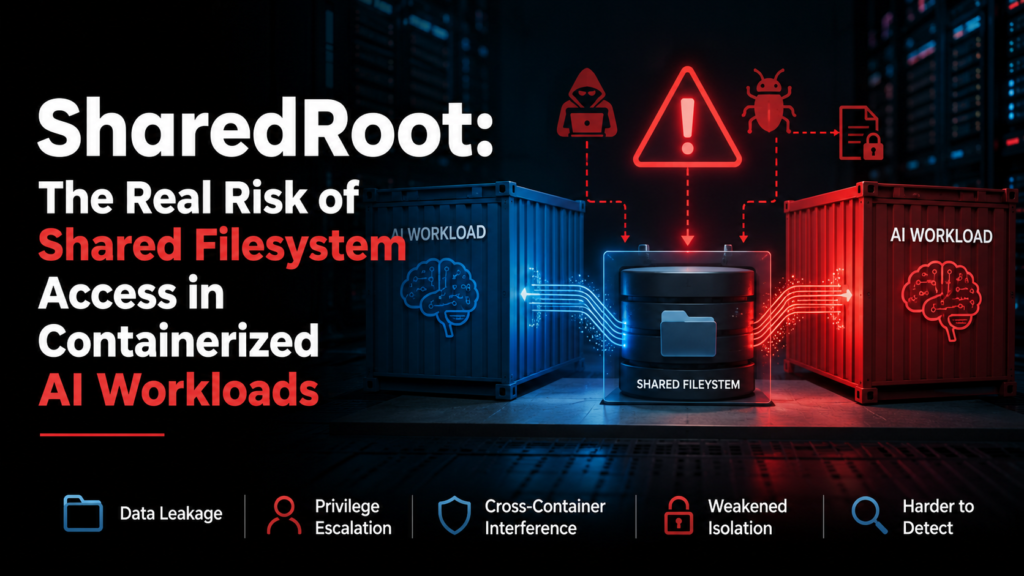
When running containers on VMs, apply defense in depth at both layers. Harden the host VM per your OS baseline, then apply container-specific controls: run containers as non-root users, use read-only filesystems where possible, scan container images with Trivy or Grype before deployment, and enforce Pod Security Standards in Kubernetes. Use AppArmor or seccomp profiles for container syscall restriction.