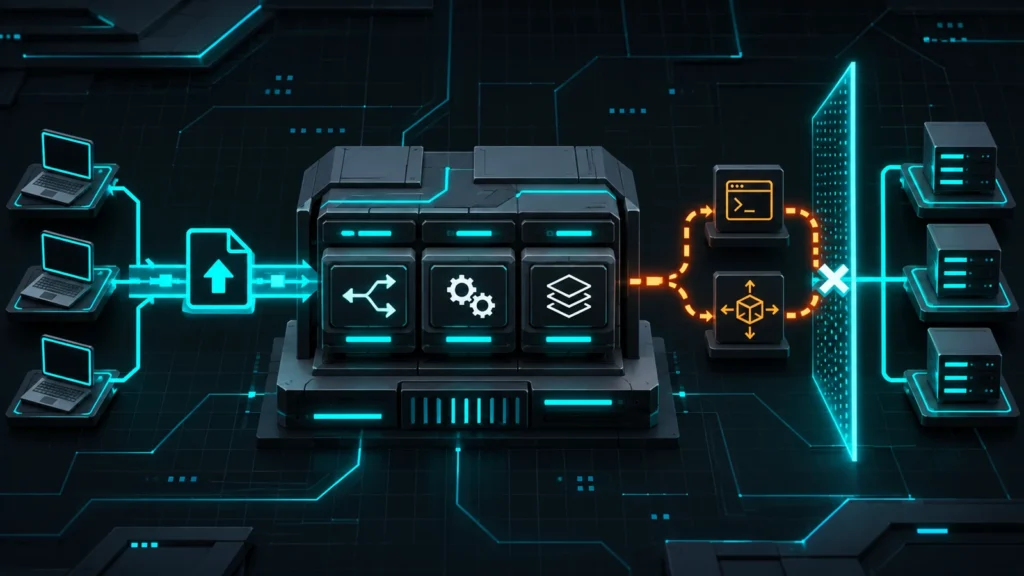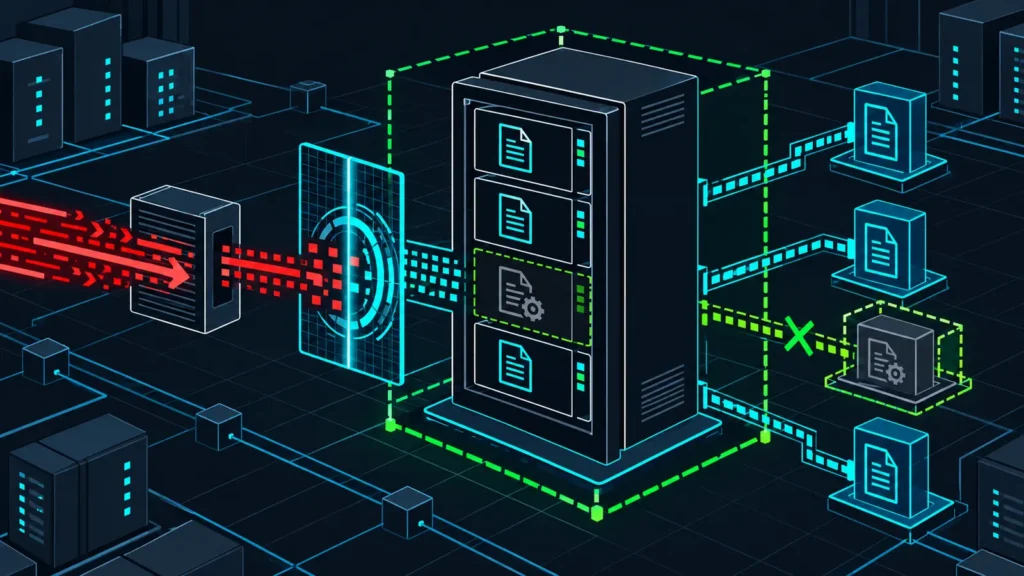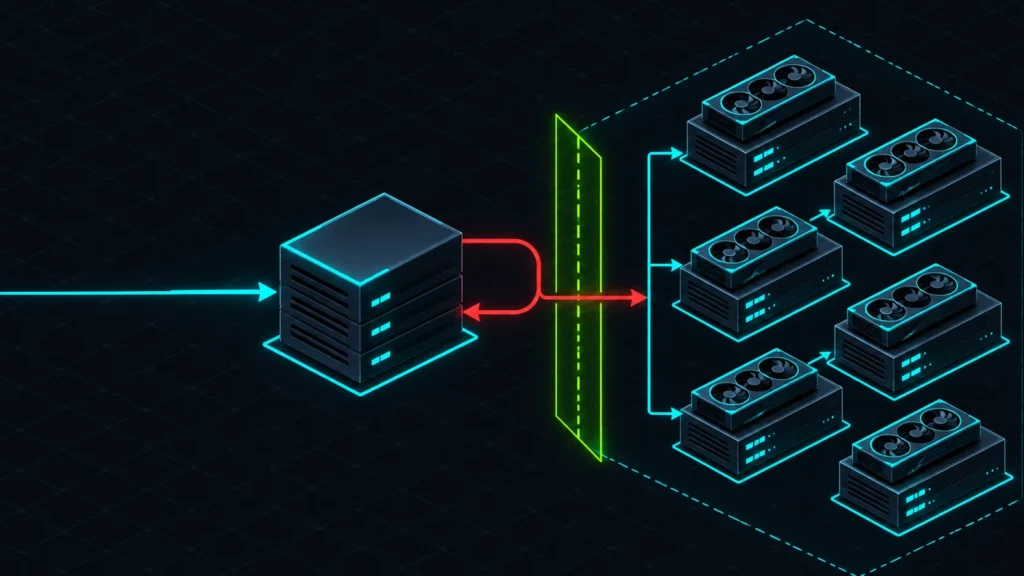

CISA added CVE-2026-115731 to the Known Exploited Vulnerabilities Catalog on November 17, 2026. The flaw affects Puppet Enterprise report processing and can let a client with a valid CA-signed agent certificate execute code on the Puppet Server. Environments with permissive certificate autosigning face an even more dangerous path because an untrusted network client may be able to obtain the certificate needed for exploitation.
Perforce released fixes on November 3. The right response is not limited to a version upgrade: platform teams should identify every Puppet primary server and compiler, review certificate issuance, restrict report submission paths, and examine the server for signs of command execution before returning it to normal service.
What changed on November 17
The vulnerability itself was disclosed earlier in the month, but the risk calculation changed when CISA added it to the KEV Catalog based on evidence of active exploitation. CISA set a December 1, 2026 remediation deadline for covered federal systems and directs organizations to apply vendor mitigations while evaluating internet exposure.
The official CISA data identifies the issue as deserialization of untrusted data in Puppet’s report-processing code. A client holding any CA-signed agent certificate can submit a crafted rich-data report through a PUT request and run arbitrary code as the Puppet Server service user. If the Puppet certificate authority signs requests automatically without strong validation, a network attacker may be able to obtain a certificate and reach the vulnerable code path.
Perforce’s security notice rates CVE-2026-115731 as critical and tells customers to upgrade and restart the server. Perforce stated on November 3 that it was not aware of exploitation at that time; the later CISA KEV addition means defenders should now treat compromise assessment as part of remediation, not simply install the patch and close the ticket.
Affected and fixed Puppet Enterprise releases
Perforce lists the following fixed Puppet Enterprise and Puppet Enterprise Advanced releases:
- 2023.8 release line: upgrade to 2023.8.13.
- 2025 release line: upgrade to 2025.12.1.
- 2026 release line: upgrade to 2026.0.1.
The vendor’s November security release information says these builds fix both CVE-2026-115731 and a separate certificate-name authorization issue, CVE-2026-115732. Use the release notes for the product you actually run. Do not infer that an agent package update alone protects the central Puppet Server.
Organizations using Puppet Core, OpenVox, Red Hat Satellite, or vendor-packaged Puppet Server components should follow the advisory from their own distributor. Package versions and backports can differ even when the underlying flaw is the same.
How the report-deserialization flaw works
Puppet agents send reports to the server after catalog application. Those reports contain structured data describing resources, events, changes, and run status. CVE-2026-115731 exists because affected server code can deserialize an unexpected rich-data type from a submitted report in a way that leads to code execution.
The normal trust boundary is a CA-signed Puppet agent certificate. That requirement is meaningful, but it is not a reason to delay patching. An attacker may already control a managed node, possess a copied certificate and private key, or abuse a certificate that was issued through weak autosign rules. A compromised build worker, developer machine, branch office node, or forgotten lab agent can become a path to the management plane.
Why the Puppet Server is a high-value target
The Puppet Server is not an ordinary application host. It may hold certificate-authority material, environment code, encrypted-data access, orchestration credentials, deployment secrets, and trusted connectivity to a large managed fleet. Code execution as the service account can be the first step toward stealing signing material, altering catalogs, planting persistent configuration, or moving from one managed node to many.
Red Hat’s analysis assigns a CVSS 3.1 score of 9.9 for its affected context and specifically warns that compromise of the central certificate authority can affect downstream systems. Perforce’s CVSS 4.0 score is 9.4. These are different scoring systems and deployment contexts, but both assessments point to critical management-plane risk.
Immediate response plan
1. Build a complete server inventory
Identify primary Puppet Servers, high-availability replicas, compilers, disaster-recovery nodes, test servers, and any image or snapshot that may later be restored. Record the product edition, installed build, operating system, exposure, autosign mode, certificate-authority role, and last successful backup. Include nodes that are powered off but remain recoverable.
2. Preserve evidence before disruptive changes
For an internet-accessible server or one with permissive autosign, capture volatile and high-value evidence before restart where operationally possible. Preserve process listings, active connections, recent Puppet Server logs, certificate-signing history, authentication records, service-account activity, scheduled tasks, systemd overrides, code-directory changes, and outbound network telemetry.
Do not delete suspicious reports or revoke certificates until their metadata and timestamps are retained. A patch can close the vulnerable code path, but it cannot tell you whether code already ran.
3. Upgrade and restart every server role
Install the fixed release for the deployed line and follow Perforce’s documented upgrade order for multi-server installations. Restart the relevant services so the patched code is actually loaded. Verify package versions and service health after maintenance rather than relying on a completed deployment job.
If the platform depends on a JVM supplied outside the Puppet bundle, review the separate VigilSecureInfo guide Amazon Corretto Updates: Audit and Patch Java Fleets for a repeatable inventory pattern. That does not remediate CVE-2026-115731, but it helps prevent a fixed Puppet Server from remaining exposed through an outdated runtime.
4. Lock down certificate enrollment
Review the server’s autosign setting and any policy script. Disable broad autosigning patterns, require verifiable enrollment attributes, and restrict certificate requests to controlled provisioning networks. Examine recently issued certificates for unexpected names, source addresses, or issuance times. Revoke certificates that cannot be tied to an approved asset.
5. Restrict the report endpoint
Limit TCP 8140 access to managed network ranges, approved proxies, and known agent populations. Internet exposure should be removed unless it is an explicitly designed and protected requirement. Network restrictions are compensating controls, not a substitute for the fixed server release.
Detection and compromise assessment
No single indicator proves exploitation. The most useful investigation combines report-submission telemetry, certificate history, service-account behavior, process creation, and filesystem changes.
Server behaviors worth hunting
- The Puppet Server Java process or its service account launching a shell, scripting interpreter, package manager, downloader, or network utility.
- Unexpected outbound connections from the Puppet Server, especially immediately after an agent report was accepted.
- New or modified files in service-account home directories, temporary paths, Puppet code directories, cron locations, or systemd override directories.
- Changes to certificate-authority files, authorization rules, autosign configuration, Hiera data, encrypted-secret material, or deployment keys.
- New certificates with unusual names, duplicate identities, unexpected source networks, or issuance outside provisioning windows.
- Bursts of report PUT requests, abnormally large reports, repeated deserialization errors, or report traffic from an asset that normally does not submit to that server.
Correlate suspicious activity with load balancer, reverse proxy, firewall, EDR, auditd, and centralized logging data. If evidence suggests server-side code execution, isolate the management plane, preserve the CA and application data for analysis, and plan a controlled trust rebuild. Reinstalling the package alone is not sufficient after a confirmed compromise.
Hands-on lab: audit exposure and monitor the service account
This lab is defensive and does not reproduce the vulnerability. Run it on a disposable Puppet test server or a snapshot of a non-production replica. Commands vary slightly between Puppet Enterprise and Puppet Core, so validate paths and service names against your installation.
Prerequisites
- A Linux VM running Puppet Server, isolated from production.
- Root or sudo access.
- A current VM snapshot.
- The auditd package and service for the monitoring step.
Step 1: inventory installed Puppet packages
if command -v rpm >/dev/null 2>&1; then
  rpm -qa | grep -Ei 'puppet|puppetserver|pe-' | sort
elif command -v dpkg-query >/dev/null 2>&1; then
  dpkg-query -W -f='${Package} ${Version}\n' | grep -Ei 'puppet|puppetserver' | sort
fi

sudo systemctl status puppetserver --no-pager
Expected output: a package list with installed versions and a service status. Compare the server product and release line with Perforce’s fixed-version table. A running service does not prove that the loaded code is fixed, so restart it through the documented upgrade workflow.
Step 2: review the listener and autosign mode
sudo ss -lntp | grep ':8140 '

PUPPET_BIN=/opt/puppetlabs/bin/puppet
if [ -x "$PUPPET_BIN" ]; then
  sudo "$PUPPET_BIN" config print autosign --section server
fi
Expected output: the first command shows the process listening on TCP 8140. The second prints the effective autosign value when the Puppet binary exists at the standard path. A value of true, a wildcard rule, or an unreviewed policy script requires immediate investigation. Do not change production enrollment policy without confirming how new nodes are provisioned.
Step 3: inspect certificate inventory
if command -v puppetserver >/dev/null 2>&1; then
  sudo puppetserver ca list --all
else
  sudo /opt/puppetlabs/bin/puppetserver ca list --all
fi
Expected output: signed and pending certificate names. Export the result for comparison with the asset inventory. Investigate unknown names and recent certificates before revoking them so the enrollment trail is preserved.
Step 4: add a temporary audit rule for process execution
PUPPET_USER=$(getent passwd pe-puppet >/dev/null && echo pe-puppet || echo puppet)
PUPPET_UID=$(id -u "$PUPPET_USER")

sudo auditctl -a always,exit -F arch=b64 -S execve \
  -F euid="$PUPPET_UID" -k puppetserver_exec

sudo -u "$PUPPET_USER" /usr/bin/true
sudo ausearch -k puppetserver_exec -ts recent -i
Expected output: auditd records the harmless /usr/bin/true execution under the Puppet service identity. In a real investigation, review unexpected shells, interpreters, downloaders, and administrative tools. This temporary rule can generate noise on an active server; use a SIEM or EDR policy for durable coverage.
Troubleshooting
- If neither
pe-puppetnorpuppetexists, obtain the service user fromsystemctl cat puppetserverand rerun the rule with that account. - If auditctl reports an architecture error, confirm the host architecture and add the appropriate audit rule rather than copying an x86-64 rule unchanged.
- If the CA command is unavailable, use the Puppet Enterprise console or the documented CA utility for the installed release.
- If port 8140 is behind a proxy, collect both the local listener and the upstream access logs.
Cleanup
sudo auditctl -d always,exit -F arch=b64 -S execve \
  -F euid="$PUPPET_UID" -k puppetserver_exec

sudo auditctl -l | grep puppetserver_exec || echo 'Temporary rule removed'
Expected output: the final command reports that the temporary rule was removed. Revert the VM snapshot if the lab host must return to its original state.
Recovery decisions after suspected exploitation
If the Puppet Server executed attacker-controlled code, assume that local secrets and signing material may be exposed. The recovery plan can require rebuilding the server from trusted media, rotating application and orchestration credentials, replacing the Puppet CA, reissuing agent certificates, validating environment code, and reviewing catalogs delivered during the suspected window.
A fleet-wide rebuild is disruptive, so base the scope on evidence and the trust architecture. Document which secrets were accessible to the service account, whether privilege escalation occurred, which nodes accepted catalogs after the event, and whether any code repository or deployment pipeline was modified. For a complementary Linux evidence workflow, see Patch and Hunt Actively Exploited UnrealIRCd.
Response checklist
- Inventory every Puppet Server, compiler, replica, and recoverable image.
- Preserve logs, processes, connections, certificate history, and service-account activity.
- Upgrade Puppet Enterprise to 2026.0.1, 2025.12.1, or 2023.8.13 as appropriate.
- Restart services and verify the loaded package version.
- Disable permissive autosigning and review recently issued certificates.
- Restrict TCP 8140 and report submissions to approved networks.
- Hunt for child processes, outbound connections, persistence, and CA changes.
- Rebuild trust and rotate secrets if server-side code execution is confirmed.
Conclusion
CVE-2026-115731 is a management-plane incident, not a routine agent update. CISA’s November 17 KEV addition confirms that exploitation is occurring, while Perforce has already provided fixed Puppet Enterprise builds. Patch and restart promptly, but preserve enough evidence to decide whether the server, certificate authority, and managed fleet can still be trusted.