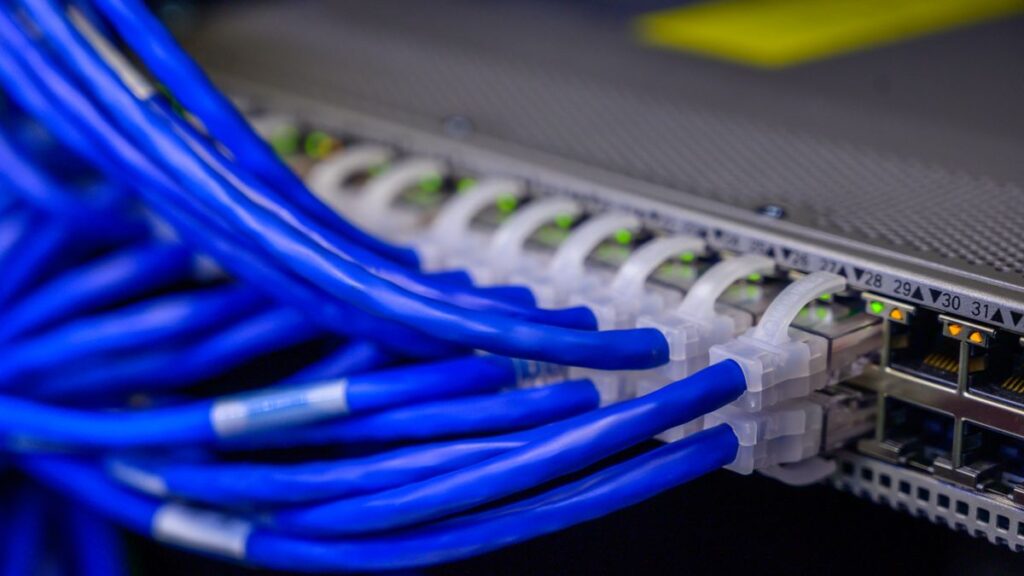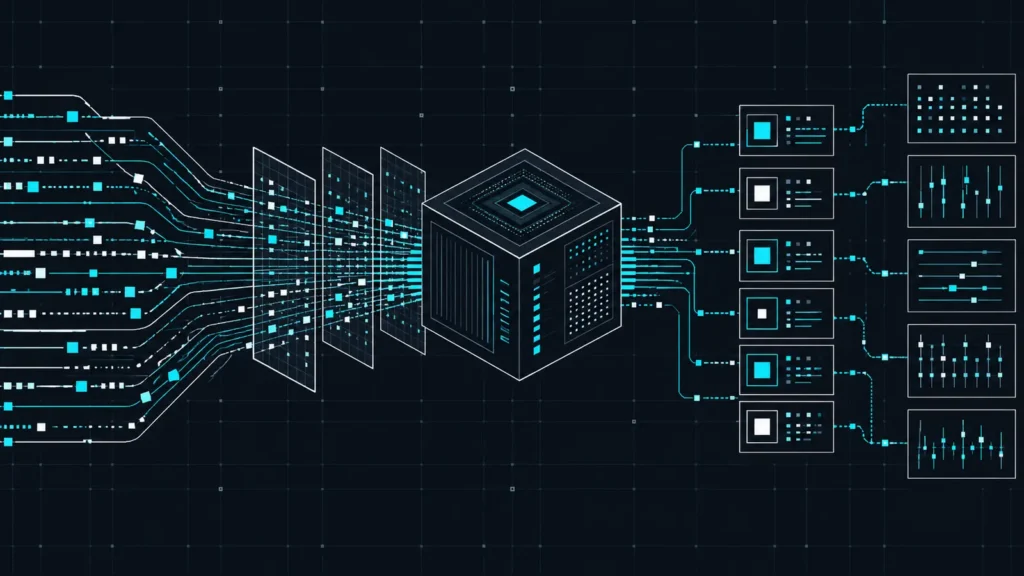
Firewall configuration best practices 2026 is one of the most critical topics in enterprise cybersecurity today. A firewall with poorly designed rules is worse than its absence — it creates false security. In 2026, AI-assisted scanning and living-off-the-land techniques mean the quality of firewall rules matters as much as the firewall itself. This guide covers pfSense, OPNsense, Cisco ASA, and Fortinet FortiGate best practices.
Principle 1: Default Deny
The pfSense documentation states it clearly: a default deny strategy is best practice. Configure rules to permit only the minimum required traffic. Everything else drops automatically. Every allow rule needs a documented business justification.
Principle 2: Rule Order Matters
pfSense and OPNsense use pf which processes rules top-to-bottom, stopping at the first match. Recommended order: (1) Anti-lockout rule, (2) Block bogon networks and known threats, (3) Specific allow rules with protocol/source/dest, (4) Logged deny rule at bottom.
pfSense Best Practices
Use Aliases
Never hardcode IPs in firewall rules. Use Aliases to group addresses. When IPs change, update the alias once — all rules update automatically.
Document Every Rule
The Description field is mandatory from a governance perspective. Format: [Date] [Ticket#] [Purpose]. Example: 2026-03-15 IT-442 Allow HTTPS to Nginx from office subnet.
Enable pfBlockerNG
Extends pfSense with IP reputation blocking, GeoIP filtering, and DNS blackhole. Automatically updated from threat intelligence feeds.
OPNsense Best Practices
Avoid rules with any in the destination field. Restrict destination port ranges at minimum. Broad pass-through rules eliminate the firewall protective value entirely.
Suricata IDS/IPS
Both pfSense and OPNsense support Suricata inline IPS. Configure in detection mode first, tune false positives over two weeks, then switch to blocking mode. Use Emerging Threats ruleset (free) or ET Pro (commercial).
VLAN Segmentation
| VLAN | Purpose | Inter-VLAN Policy |
|---|---|---|
| Management | Network device admin | No inbound from other VLANs |
| Servers | Production apps | Explicit allow from Users on required ports only |
| Users | Workstations | Internet + specific server access only |
| IoT | Smart devices | Internet only, fully isolated |
| Guest | Visitor Wi-Fi | Internet only, no internal access |
Firewall Rule Audit Procedure
Conduct quarterly rule audits: export the rule set, verify each rule still has a valid justification, remove unjustifiable rules, document all changes. Firewall rule sets accumulate technical debt that attackers exploit.
🔗 Authoritative Sources
FAQs
What is a default-deny firewall policy?
All traffic is blocked unless matched by an explicit allow rule. This is the only correct production firewall posture. Any new service requires a deliberate decision to permit it.
pfSense vs OPNsense for enterprise?
Both are production-capable. OPNsense has a more modern UI, more frequent security updates, and better API support. pfSense has a larger plugin ecosystem. For commercial support: Netgate pfSense Plus or Deciso OPNsense Business Edition.
IDS or IPS mode for Suricata?
Start in IDS (detection) mode, tune false positives for two weeks, then switch to IPS (blocking) mode. Running IDS mode long-term provides detection without prevention.
Key Takeaways
- Default-deny is the only correct firewall posture
- Rule order determines behavior in pfSense/OPNsense
- Document every rule with purpose, date, and ticket reference
- VLAN segmentation limits lateral movement after any compromise
- Suricata IPS in blocking mode provides active threat prevention
- Patch firewall firmware on the same schedule as servers
Conclusion
A well-configured firewall enforces policy throughout your network. Default-deny rules, VLAN segmentation, documented rule sets, Suricata IPS, and quarterly audits transform it into a meaningful control. Related: Network Security Best Practices.
Sources
- Firewall Rule Best Practices – docs.netgate.com (pfSense official)
- Best Practices for Firewall Rules – OPNsense Documentation
- CISA KEV Catalog 2026 – cisa.gov
Next-Generation Firewall Features
NGFW adds application awareness, user identity tracking, SSL/TLS inspection, and intrusion prevention on top of traditional stateful packet filtering. Enable application control to block unauthorized SaaS (personal Dropbox, gaming, streaming). Configure IPS in prevention mode after a 2-week detection-only baseline period. SSL inspection requires deploying your internal CA certificate to all endpoints.
Key Takeaways
- Default-deny policy is the only correct production firewall posture
- Review firewall rules quarterly and remove unused rules immediately
- Enable IPS in prevention mode after baselining to minimize false positives
- Log all denied traffic and feed to SIEM for threat hunting
Next-Generation Firewall Capabilities
NGFWs add application awareness, user identity tracking, TLS inspection, intrusion prevention, and URL filtering on top of stateful packet filtering. Enable application control to block unauthorized SaaS (personal cloud storage, gaming, streaming) while permitting legitimate business traffic on the same ports. Enable SSL and TLS inspection to see inside encrypted connections, which represent the majority of modern traffic. Deploy your internal CA certificate to all managed endpoints so they trust firewall-resigned certificates without generating browser warnings.
Firewall Logging and SIEM Integration
A firewall that does not send logs to a SIEM provides visibility only through manual review of local logs. Configure syslog forwarding from pfSense, OPNsense, or your enterprise firewall to your centralized SIEM in real time. Log all denied traffic, all allowed traffic on sensitive ports, all authentication events, and all configuration changes. Large volumes of denied outbound connections from a single internal host may indicate malware attempting to reach a command and control server. Create alerts for: traffic to known malicious IPs, outbound connections on non-standard ports from servers, and firewall rule changes outside approved maintenance windows.
High Availability Firewall Design
Production firewalls must not be single points of failure. pfSense and OPNsense both support high availability via CARP for shared IP addresses and pfsync for state table synchronization. When the primary node fails, the secondary takes over instantly with full session state, preventing connection drops. Test failover quarterly in a maintenance window by deliberately failing the primary node and confirming traffic continues. Untested HA configurations frequently fail at the worst possible moment. Verified, tested failover capability is the difference between a maintenance window and an outage during a security incident.